Did you know that a simple grid can make a big difference in your iPhone photos? It’s true! Many professional photographers use grids to create stunning images, and now you can too.
When you take photos, you might sometimes notice that they look a bit off. Maybe the horizon isn’t quite straight, or the main subject doesn’t grab your attention like you wanted.
These are common problems that many people face when taking pictures with their iPhones.
The good news is that your iPhone has a built-in tool to help you fix these issues. It’s called the camera grid, and it’s easy to use.
By turning on this feature, you can improve your photos in ways you might not have thought possible.
In this article, you’ll learn how to add a grid to your iPhone camera. You’ll also discover how this simple tool can help you take better, more balanced photos.
Whether you’re a beginner or you’ve been taking photos for a while, this guide will show you how to make your pictures stand out.
How to turn on the grid on your iPhone camera
Ever wonder how some people take such great photos with their iPhones? One of their secrets might be the camera grid.
This handy tool can help you take better, more balanced pictures without any extra equipment.
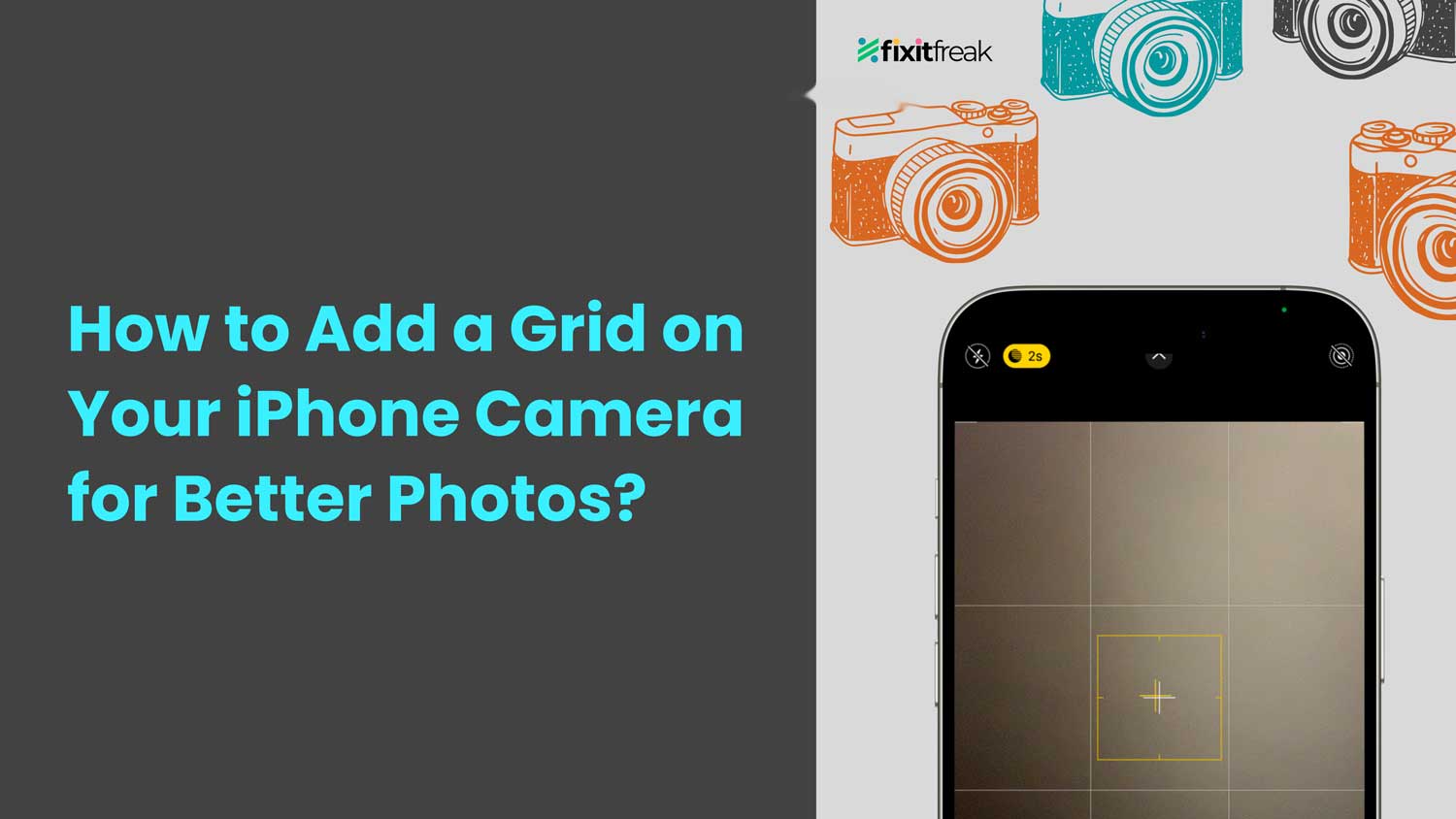
When you turn on the grid, you’ll see faint lines on your camera screen. These lines help you line things up in your photos.
They can help you keep the horizon straight in landscape shots or make sure a portrait subject is centered. The grid also helps with something called the “rule of thirds,” which we’ll talk about later.
The best part? It’s super easy to turn on. You just need to tweak a quick setting on your iPhone and adjust the best iPhone camera settings for even better results. Here’s how to do it:
- Open the “Settings” app on your iPhone
- Scroll down and tap on “Camera“
- Find the “Grid” option and tap the switch to turn it on

- Open your Camera app to see the grid

Once you’ve done this, you’re ready to start taking better photos. You can also learn to edit your iPhone photos like a pro for a complete transformation.
In the next section, we’ll talk more about how to use this grid to make your pictures look even more professional.
How to use the rule of thirds in your iPhone photos
The rule of thirds is a simple trick that can make your photos look much better. Here’s how it works with your iPhone:
- Your iPhone camera grid splits your screen into nine equal boxes.
- Try to put the important parts of your photo along these lines or where they cross.
- For photos with a horizon, like a beach scene, line up the horizon with the top or bottom line.
When you use the rule of thirds, your photos often look more balanced and interesting. It’s an easy way to make your pictures look more professional, even if you’re just taking everyday shots.
For example, if you’re taking a picture of a sunset:
- Instead of putting the sun right in the middle, try placing it where two grid lines meet.
- This small change can make your photo look much more eye-catching.
Remember, you don’t need to be a pro to use this trick. It works great for all kinds of photos, whether you’re posting on social media or just capturing memories.
The rule of thirds is a helpful guide, but it’s not a strict rule. As you get more comfortable, feel free to experiment.
Sometimes, breaking the rule can lead to interesting results, too! You might even want to rotate photos on iPhone later to adjust your compositions further.
By using this simple technique, you can improve your iPhone photos without needing any extra equipment.
Give it a try next time you’re taking pictures. You might be surprised at how much better your photos look!
The takeaway
You’ve learned how to turn on the grid in your iPhone camera and use the rule of thirds. These are simple tricks that can make your photos look much better. Let’s recap why this matters:
The grid helps you line things up in your photos. It’s like having a helper that shows you where to put important parts of your picture. Using the rule of thirds. Putting interesting things along the grid lines. It can make your photos more eye-catching.
Some people think you need expensive cameras to take good pictures. That’s not true! Your iPhone, with its grid and camera features, can take amazing photos.
It’s not about the equipment but how you use it. If you ever need to start fresh, you can always reset camera settings on iPhone easily.
So, next time you take a photo, remember to use your grid. Try putting your subject off-center or lining up the horizon with a grid line.
Keep practicing and experimenting. The more you use these tricks, the better your photos will become. Who knows? Your next iPhone photo might be your best one yet!
What do you think about this conclusion? Leave a comment below with your thoughts.