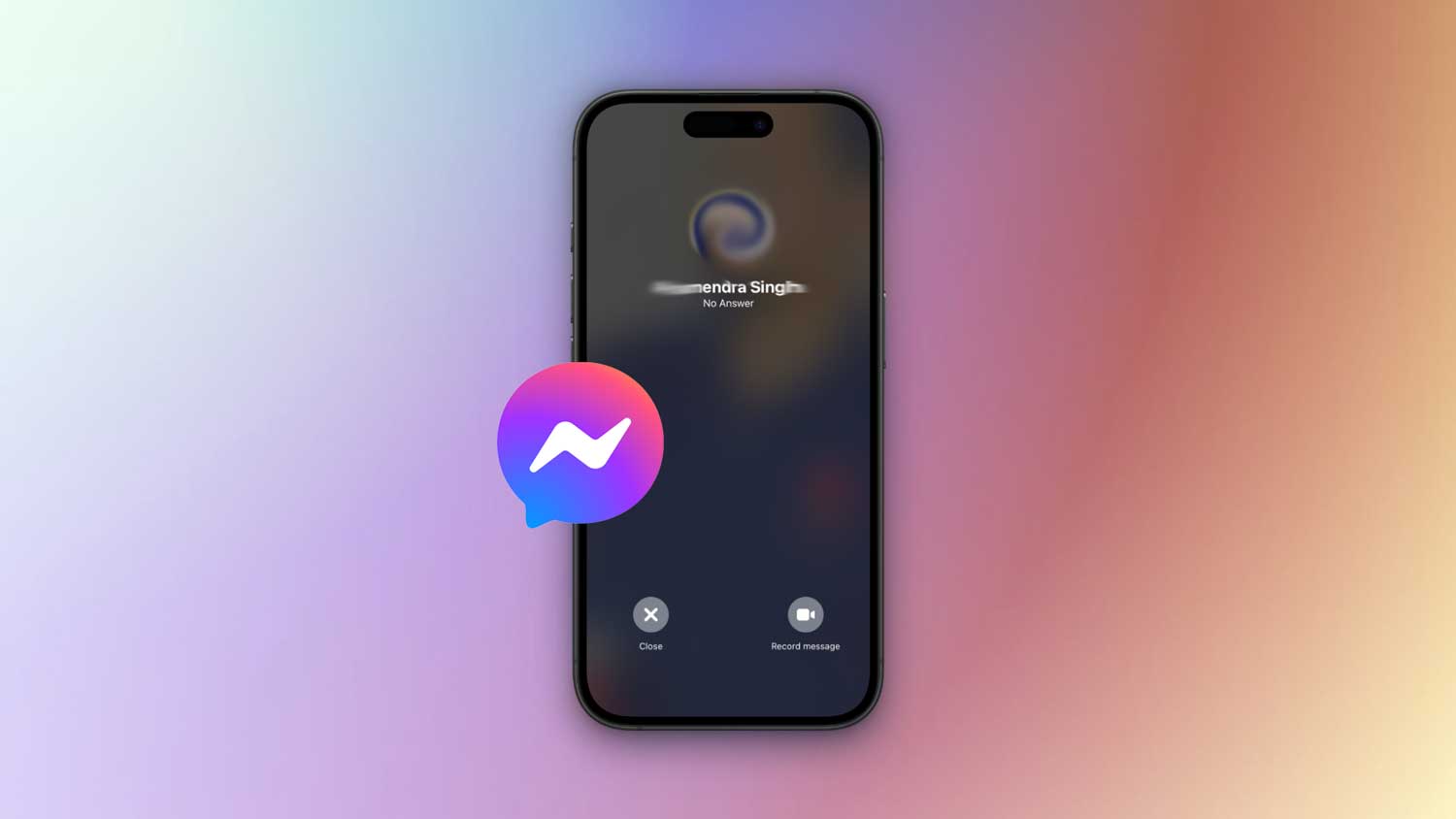
You open Messenger. You tap the call button. You wait. Then it pops up. No Answer or Did Not Answer.
Frustrating, right? Especially if you know the person is online. It can even make you wonder if they’ve blocked you.
But here’s the thing. These messages don’t always mean something bad. Sometimes it’s just tech doing its thing. Sometimes it’s about timing. And yes, sometimes it’s about the other person.
Let’s talk about what these messages actually mean and what you can do about them.
What ‘No Answer’ really means
If you see No Answer, it usually means your call never connected. That can happen if your internet isn’t stable, Messenger glitched, or the person’s phone just didn’t ring for some reason.
It could also mean they saw your call and didn’t pick up. Not always because they’re ignoring you. They could be busy, on another call, or away from their phone.
What ‘Did Not Answer’ can mean
Did Not Answer can be a little trickier. Sometimes it’s the same as No Answer. Other times, it means they can’t receive your calls right now.
It could be because you’ve been blocked. Yes, they might have blocked you.
It simply sometimes means that their account is deactivated. Or, they’ve turned off Messenger notifications.
The other possible reason I could think of is that you’re might be their ignore list.

It’s not always personal, but it’s worth knowing the signs.
Why this might happen even if they’re online
You might see that little green dot next to their name and think, Okay, they’re online, they’ll pick up. But Messenger’s “online” status isn’t perfect.
They might actually be:
- On Do Not Disturb or Focus mode.
- Using another app with Messenger open in the background.
- Logged into Messenger on a computer but not looking at it.
And yes, sometimes they see the call and just don’t feel like talking.
How to figure out if you’re blocked or ignored
If this keeps happening, you probably want to know if they’ve blocked or ignored you. You don’t have to overthink it. Just look for a few clues.
1. First, try sending them a message.
If you see Sent (one empty blue tick) and it never changes to Delivered (filled blue tick), there’s a chance they’ve blocked you.
If you see Delivered but days go by with no reply, and you know they’re active, they could just be ignoring you.
If you see their profile picture next to your message, it means they’ve read it. No reply after that? That’s a choice.
2. Second, check their activity status.
If you see Active now or Active X minutes ago, right after you send a message, they can definitely see you’re trying to reach them.
If you never see their activity at all anymore, they might have turned it off. Or blocked you.
3. Third, take a look at their profile picture.
If it’s still their regular photo, you’re probably not blocked. If it’s a gray outline, they might have deactivated their account.
And if you see this person is unavailable on Messenger, that’s your answer. Either the account’s gone or you’ve been blocked.
How to fix call problems on your end
You might think it’s the other person, but sometimes the problem is on your side.
First, check your internet. If your Wi-Fi is acting up, switch to mobile data. If you’re already on data, try Wi-Fi instead. A shaky connection is one of the biggest reasons Messenger calls fail.
Next, close Messenger completely and open it again. Apps can get stuck or glitch if they’ve been running in the background too long.
If that doesn’t help, see if there’s an update waiting in the App Store or Google Play. Updates often fix hidden bugs that mess with calls.
And if all else fails, restart your phone. Sounds simple, but it can clear out temporary glitches and get things running smoothly again.
Most of the time, it’s something small like this. Fix your side first, then you’ll know for sure if it’s really about them.
What to do if you think you’re blocked
If you’ve got that gut feeling they’ve blocked you, don’t spiral. You can test it out by sending them a quick message somewhere else. Maybe WhatsApp, Instagram, or even a regular text.
If you’re comfortable, you can just ask them directly if something’s up. Sometimes a simple conversation clears the air.
Or, if it’s not really urgent, let it be. Respect their space. Not every block is a drama-filled statement.
People block for all sorts of reasons. Maybe they need a break, maybe they’re reducing screen time, or maybe they’re going through something unrelated to you.
If you handle it calmly, you save yourself a lot of stress.
What to do if someone’s ignoring you
If you think you’re on their ignore list, sending more calls probably won’t help. In fact, it can make things worse.
Leave them a message instead. If it’s important, let them know that in the first line so they see it in their notifications.
Then give them time. People have their own reasons for not picking up right away.
When the issue is just Messenger
Sometimes Messenger itself is the problem. Bugs happen.
If calls aren’t going through to anyone, not just one person, it’s probably the app. Try reinstalling it. Or check if Messenger is down by searching online. Outages do happen.
The takeaway
When you see No Answer or Did Not Answer on Messenger, it doesn’t always mean you’ve been blocked.
It could be a bad connection. It could be Do Not Disturb. It could be that they were busy or just didn’t want to answer at that moment.
If it happens once, don’t overthink it. If it happens a lot, then you can start checking signs of being blocked or ignored.
Either way, your best move is simple. Check your internet, try again later, or send a quick message instead of calling repeatedly.