You try calling someone, but nothing happens. No ring. No answer. You send a text, but it never seems to reach them. You start wondering. Maybe their phone is on airplane mode?
It’s frustrating when you need to reach someone and they seem completely offline. But airplane mode doesn’t always mean total disconnection. And there are ways to figure out if that’s what’s happening.
Let’s go through exactly how you can tell.
What airplane mode actually does
When you turn on airplane mode, your phone disconnects from all cellular networks. This means no calls, no SMS texts, and no mobile data.
But here’s what most people forget. Wi-Fi and Bluetooth can still be turned on while in airplane mode. This is important because it changes how reachable someone can be.
So, if someone has airplane mode on but their Wi-Fi is turned on, you can still contact them through internet-based apps like WhatsApp, Messenger, or FaceTime.
First thing to try
If you want to know if someone might be in airplane mode, just try calling them.
If you call and hear a message like “The number you are calling is not reachable” or it goes straight to voicemail without ringing, that’s one sign. But remember, this can also happen if their phone is switched off or out of range.
To check further, send them a regular SMS text message. If it stays stuck on “sending” or never shows delivered, it’s another clue.
Use internet-based apps to check
If your regular calls and texts aren’t going through, try contacting them using an app that works over the internet. This only works if they have Wi-Fi on.
Send them a message on WhatsApp, Messenger, or another similar app. If the message is delivered there but not by SMS, it’s a sign their phone might be in airplane mode with Wi-Fi on.
You can also try a WhatsApp or FaceTime call. If it rings and connects, they’re definitely on Wi-Fi, and possibly on airplane mode.
What you’ll see if they have no Wi-Fi
If someone has airplane mode on and no Wi-Fi connection, you won’t be able to reach them at all. No calls, no SMS, and no app messages will go through.
In this case, it will feel like their phone is completely switched off.
Look for the airplane icon
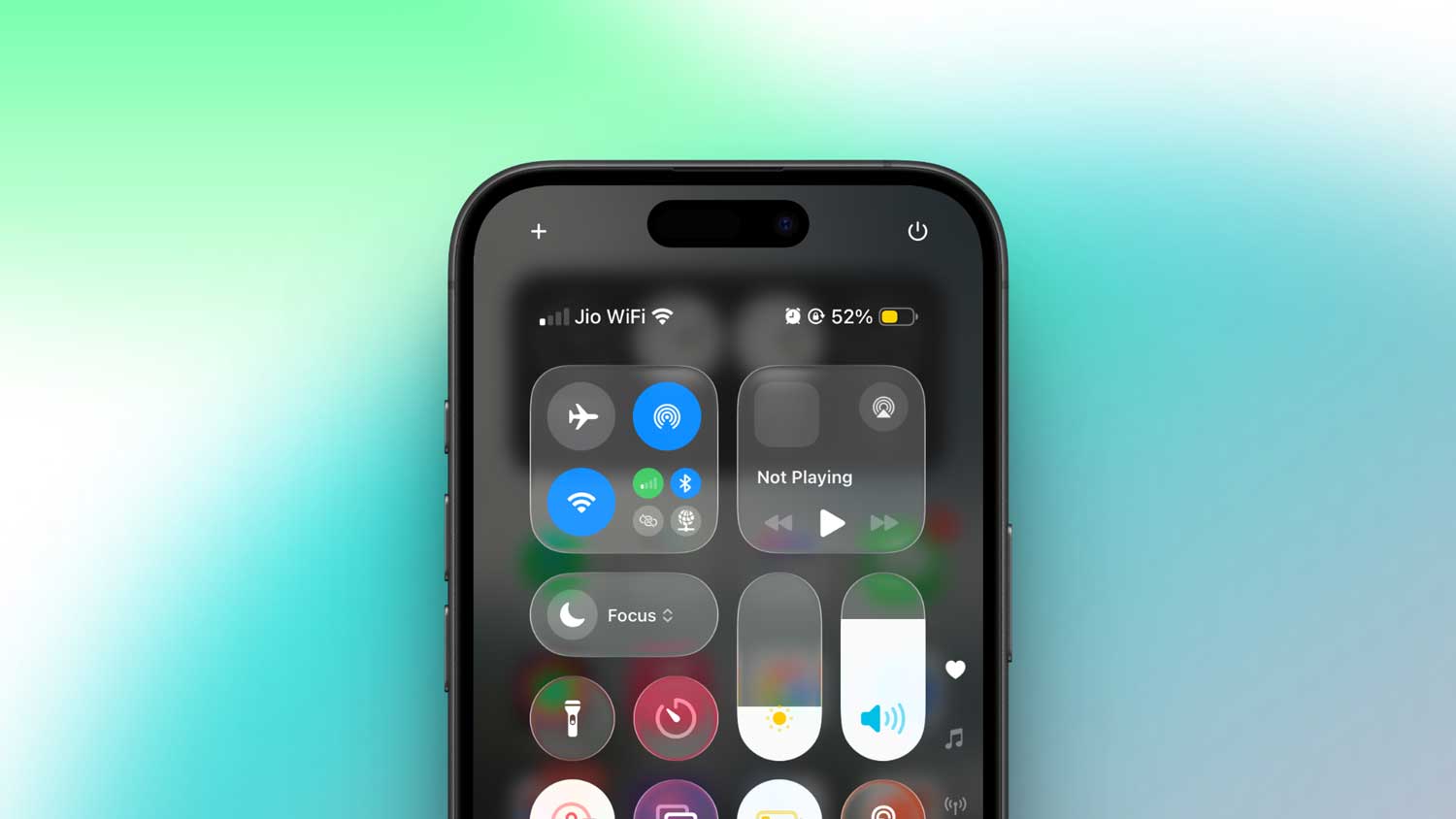
If you can actually see their phone screen, the easiest way is to look at the top status bar. If there’s a small airplane icon, airplane mode is on.
Of course, this only works if you have physical access to their phone, which you usually won’t. That’s why the calling and messaging tests are more useful.
How to contact someone who’s in airplane mode
If they have Wi-Fi on while in airplane mode, your best option is to use an internet-based app.
You can send them a WhatsApp message, make a Messenger call, or use FaceTime if you both have iPhones. These work because they don’t rely on the mobile network.
If they have airplane mode on with no Wi-Fi, you won’t be able to contact them until they turn it off. In that case, you just have to wait.
What happens to calls when someone is in airplane mode
If you call someone’s number while they’re in airplane mode with no Wi-Fi calling, the call won’t go through. You might hear a “not reachable” message or go straight to voicemail.
If they’re using Wi-Fi Calling and are connected to Wi-Fi, your regular call might still go through. even if airplane mode is on. This depends on their network provider and settings.
Will they see missed calls later?
If you call someone while they’re in airplane mode, they won’t see any missed call notifications for regular calls once they turn it off. It’s like those calls never happened.
But if they had Wi-Fi on and you called them through WhatsApp or another app, they might see a missed call alert from that app.
Why you might still reach someone in airplane mode
You might be surprised to find that your call or message goes through even when someone says they’re in airplane mode. This can happen if:
- They have Wi-Fi turned on, and you contact them through an internet-based app.
- They have Wi-Fi Calling enabled, which lets normal calls go through over Wi-Fi.
If you want complete peace while in airplane mode, you have to turn off Wi-Fi too.
The takeaway
Airplane mode stops all mobile network calls and SMS texts, but it doesn’t always mean someone is completely unreachable. Wi-Fi can still work, and that changes everything.
If you need to check, start with a normal call and text. If those fail but app messages go through, they’re probably on airplane mode with Wi-Fi on. If nothing goes through at all, they might be offline completely.
If you want to contact someone in airplane mode, your only chance is through an internet-based app while they’re connected to Wi-Fi.
And if you want to use airplane mode for total silence, remember to turn Wi-Fi off too.