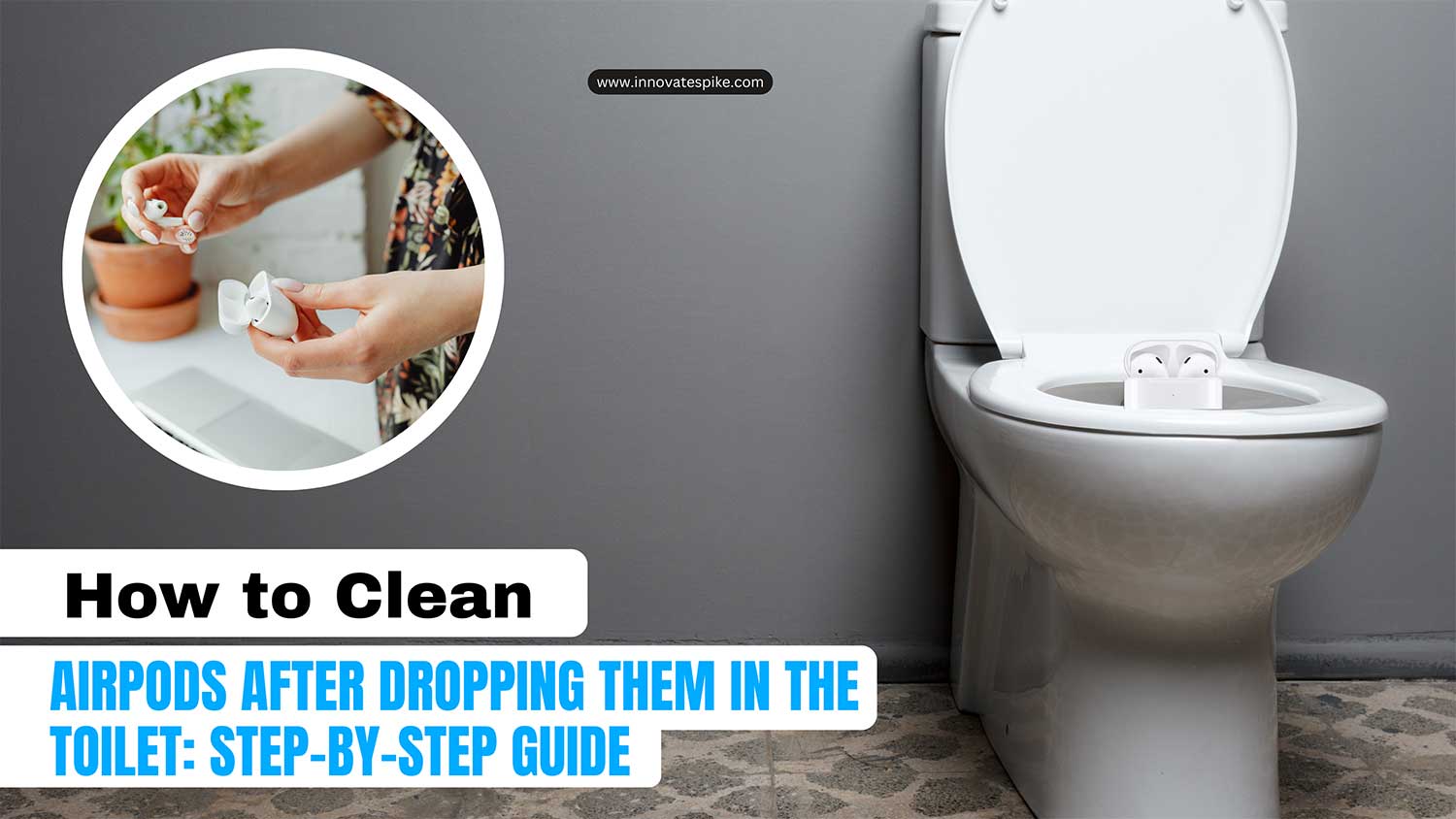
Did you know that nearly 1 in 5 AirPods users have accidentally dropped their earbuds in water? That’s right. Your toilet mishap is more common than you might think.
When your AirPods take an unexpected swim, it can feel like a disaster. But don’t worry, all hope isn’t lost for your waterlogged earbuds.
Accidents happen, especially with small devices like AirPods that we use every day.
Whether they slip out of your ears or fall from your pocket, these tiny gadgets can end up in some unpleasant places.
The problem isn’t just the water itself, but also the potential damage from chemicals in toilet water or soap residue in sinks.
In this article, you’ll learn how to rescue and clean your AirPods after their unfortunate dip.
We’ll walk you through some simple yet effective methods to dry out your AirPods and get them working again.
So you accidentally dropped your AirPods into the toilet
It happens in a flash. One moment, your AirPods are safely in your hands, and the next, they’re taking a dive into the toilet or sink.
That sinking feeling in your stomach is all too real, especially when you think about how much you paid for them.
But don’t panic. There’s still hope for your waterlogged earbuds.
First, take a deep breath. The next steps depend on the water condition. If it’s clean water, you’re in a better position.
You’ll need to focus on getting the water out of the speakers. But if they’ve landed in less-than-clean water, you’ll need to clean and disinfect them thoroughly.
Cleaning your AirPods with a specialized kit

Let’s talk about a tool that can make this process much easier. The AirPod Cleaning Kit by Spectral Body.
This kit is specifically designed for situations like this.
It’s more effective than using a regular toothbrush, with soft-tipped brushes that are gentle on your AirPods.
One of these brushes even doubles as an antiseptic gel applicator, which means you won’t need to juggle separate cleaning tools and disinfectants.
Here’s what you need to do:
- Gently wipe off the liquid with a soft cloth.
- Use the antiseptic brush to carefully clean your AirPods.
- Use the adhesive putty to pick up any remaining dirt.
Don’t worry if you don’t have this kit yet. We’ll go through how to use it step-by-step and suggest some alternatives for each tool. Stick with me, and we’ll get your AirPods back in working order.
How to clean your AirPods after a toilet tumble

If your AirPods have taken an unfortunate dip in a dirty toilet, don’t panic. You can still save them with some careful cleaning. Here’s what you need to do:
1. Set up your cleaning station. Start by creating a simple cleaning area. Lay out a few paper towels and place your AirPods on top. This will be your workspace for the cleaning process.
2. Disinfect thoroughly. Now it’s time to clean your AirPods. If you have an AirPod Cleaning Kit, use the antiseptic gel applicator brush to gently remove any visible dirt.
Apply the antiseptic gel carefully to all areas of your AirPods, but be careful to avoid the speaker holes. If you don’t have the kit, you can use a cotton swab or a soft toothbrush instead.
3. Give them a final wipe. After applying the disinfectant, use an antimicrobial coating wiper. Make sure it’s clean and run it under warm water first. This step helps remove any remaining dirt and leaves an invisible protective layer on your AirPods.
After all this, it’s a good idea to check the AirPods case battery and charging to ensure they are functioning well again.
What if the toilet wasn’t too dirty?
If your AirPods fell into a relatively clean toilet, you’re in luck. While you still need to disinfect them, it’s not as urgent. Here’s what you should do:
- Remove the water first. There’s a handy trick using the Shortcuts Gallery app on your iPhone, which we’ll discuss later.
- Once the water is out, gently clean your AirPods with a soft-tipped brush.
- Apply antiseptic gel carefully, avoiding the speaker holes.
- Dry them with a microfiber cloth.
- Use the Shortcuts Gallery app again to make sure all water is gone.
Using the Shortcuts app to remove water
The Shortcuts app can help you eject water from your AirPods. Here’s how to use it:
- Download the app from the App Store or the Shortcuts website.
- Connect your AirPods to your iPhone.
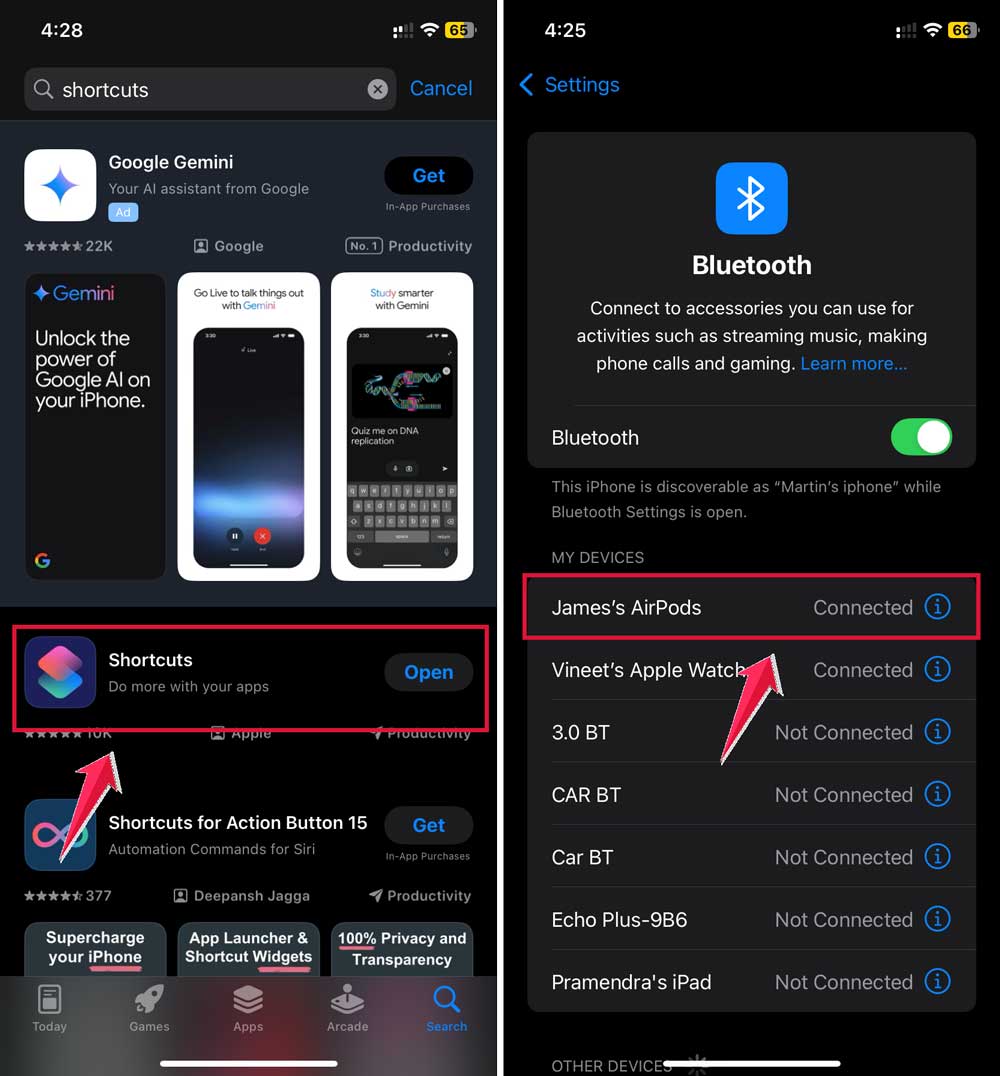
- Find and tap the “Water Eject” option in the app.

- You should see water starting to drip out. Gently dry your AirPods with a microfiber towel.
- Repeat if needed.

For a similar trick, you can also learn how to get water out of the front camera if you ever drop your phone in water too. Use this app right after your AirPods get wet for the best results.
Tips to keep your AirPods from falling
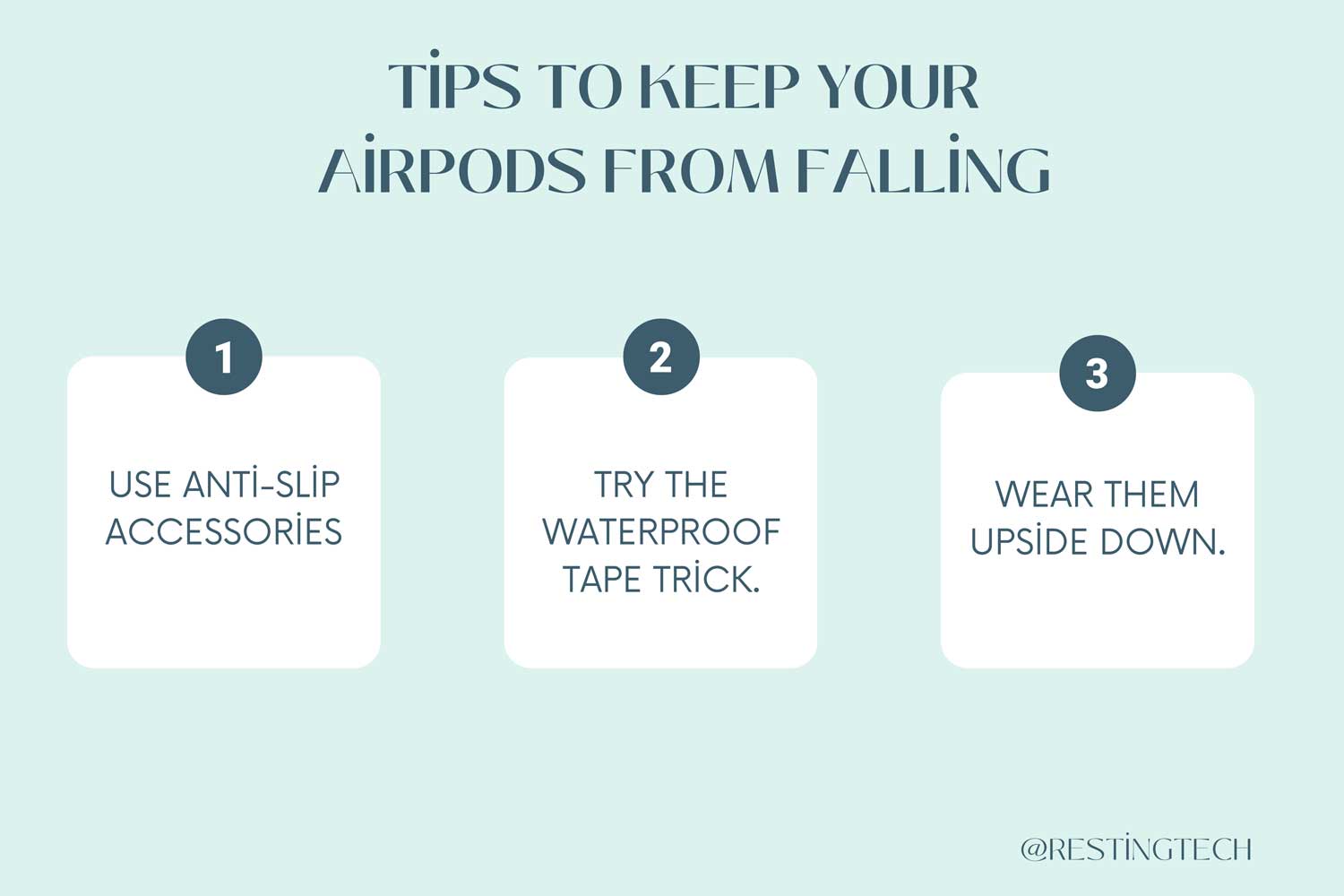
Many people have had their AirPods fall into toilets or other wet places. It’s not just you being clumsy. The one-size-fits-all design doesn’t work for everyone. Here are some tips to keep your AirPods secure:
1. Use anti-slip accessories. You can buy anti-slip covers for your AirPods. They’re usually affordable, with some options on Amazon for as little as $5. For a more reliable option, consider AirPod Grips.
2. Try the waterproof tape trick. You can create a more secure fit using waterproof tape. Cut small circles from the tape and stick them to your AirPods. This can help prevent them from slipping out.
3. Wear them upside down. It might sound strange, but wearing your AirPods upside down can help keep them in place. This method is often used by runners with wired earphones.
If, after cleaning your AirPods, you notice strange sounds, you can check why your AirPods are chirping.
Remember, these tips are about finding what works best for you. With some experimentation, you can enjoy your music without worrying about your AirPods taking an unexpected swim.
The takeaway
Accidents happen, and dropping your AirPods in the toilet can feel like a disaster. But don’t worry. There are ways to save your earbuds and prevent future mishaps.
Remember, quick action is key. If your AirPods take a dip, use the Shortcuts Gallery app to eject water, then clean and disinfect them carefully.
An AirPod Cleaning Kit can be a big help in these situations, making the cleaning process easier and more effective.
Many people think wet AirPods are a lost cause, but that’s not always true. With the right steps, you can often save them.
To prevent future accidents, consider using anti-slip accessories or trying the upside-down wearing method.
The most important thing to remember is that being prepared can save your AirPods.
Keep a cleaning kit handy and know what to do if accidents happen. With these tips, you can keep enjoying your music without worrying about unexpected swims.
Your thoughts on this topic are welcome. Feel free to share your experience or ask questions in a single-line comment below.