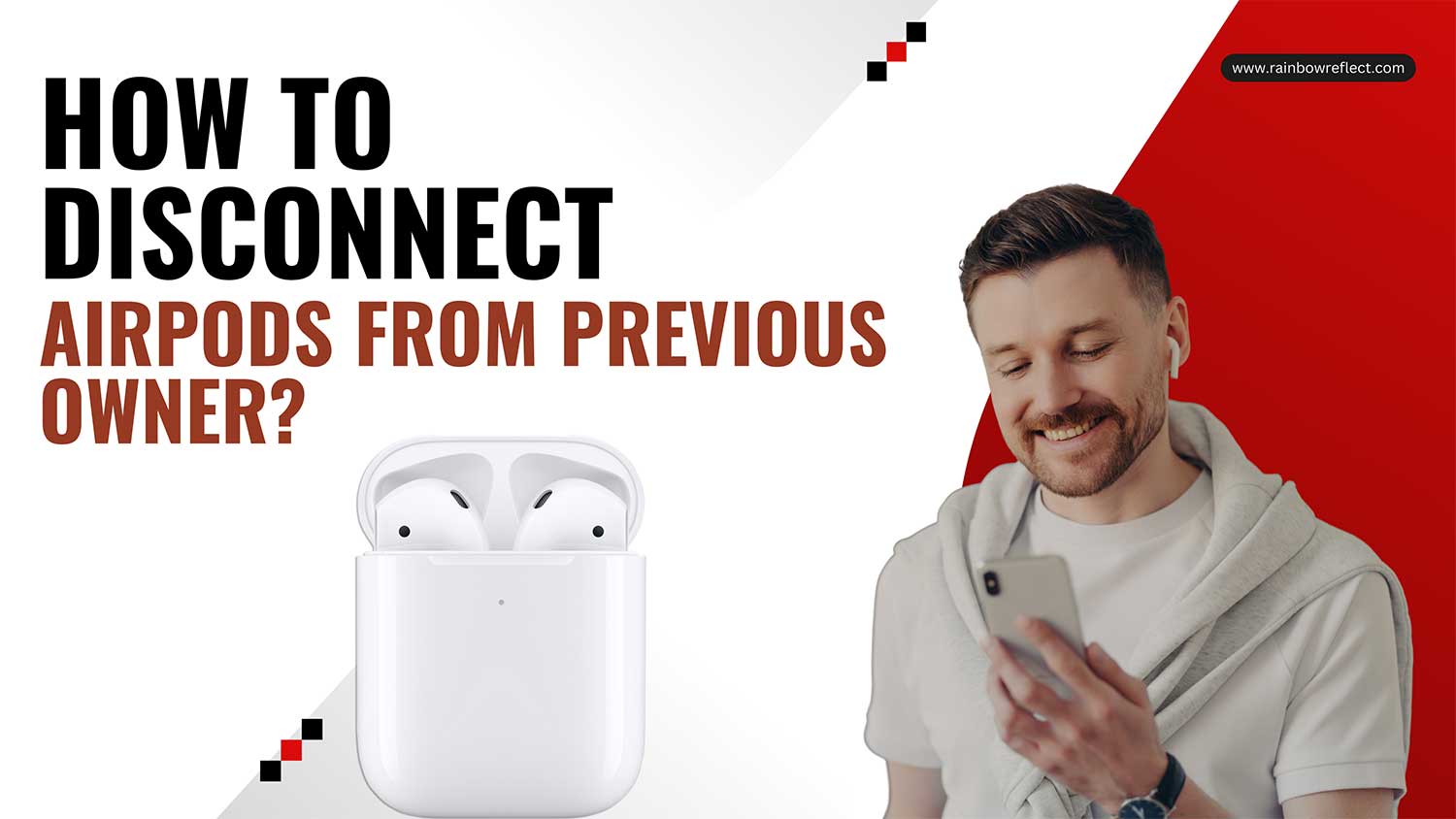
Excited about scoring a new-to-you pair of AirPods from a friend or a second-hand store? Awesome!
Before you start enjoying your playlists. Or even wondering if AirPods are good for gaming. There’s an important first step. Think of it as hitting the reset button for a brand new start with your AirPods.
And here’s the good news. It’s really straightforward! However, you might need a small favor from the previous owner. Curious? Let’s jump right into it!
How to Factory Reset AirPods Pro From a Previous Owner
Resetting wipes all the settings back to factory defaults. If you’ve customized your AirPods in any way, jot down those settings first, along with clearing clutter from your device using the best iPhone cleaner apps.
Here’s how to reset your AirPods Pro:
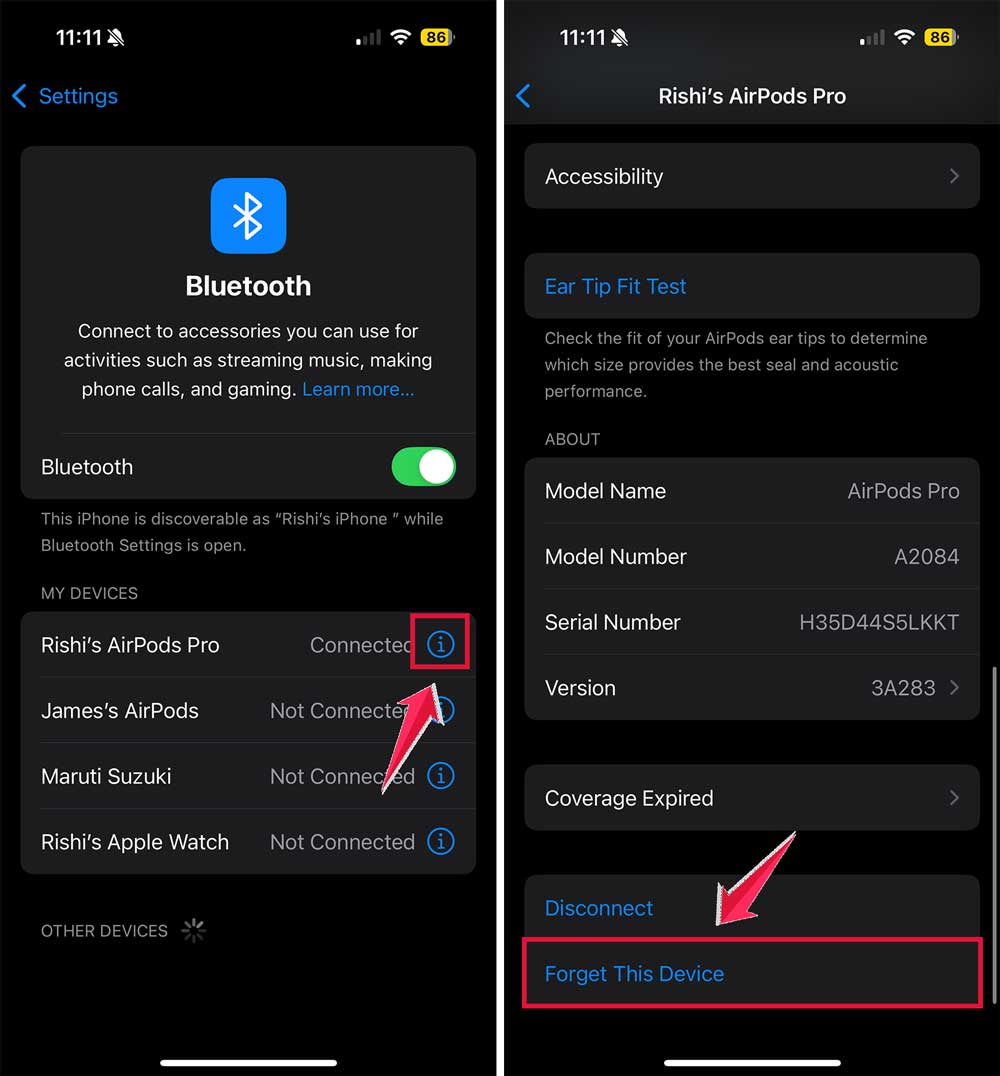
- Open the iOS Settings app and navigate to the Bluetooth menu.

- Find your AirPods listed and tap the More Info button (look for the little “i” in a circle).
- Select Forget this device and confirm to unpair the AirPods from your device.
- Next, place your AirPods in their charging case but leave the lid open.
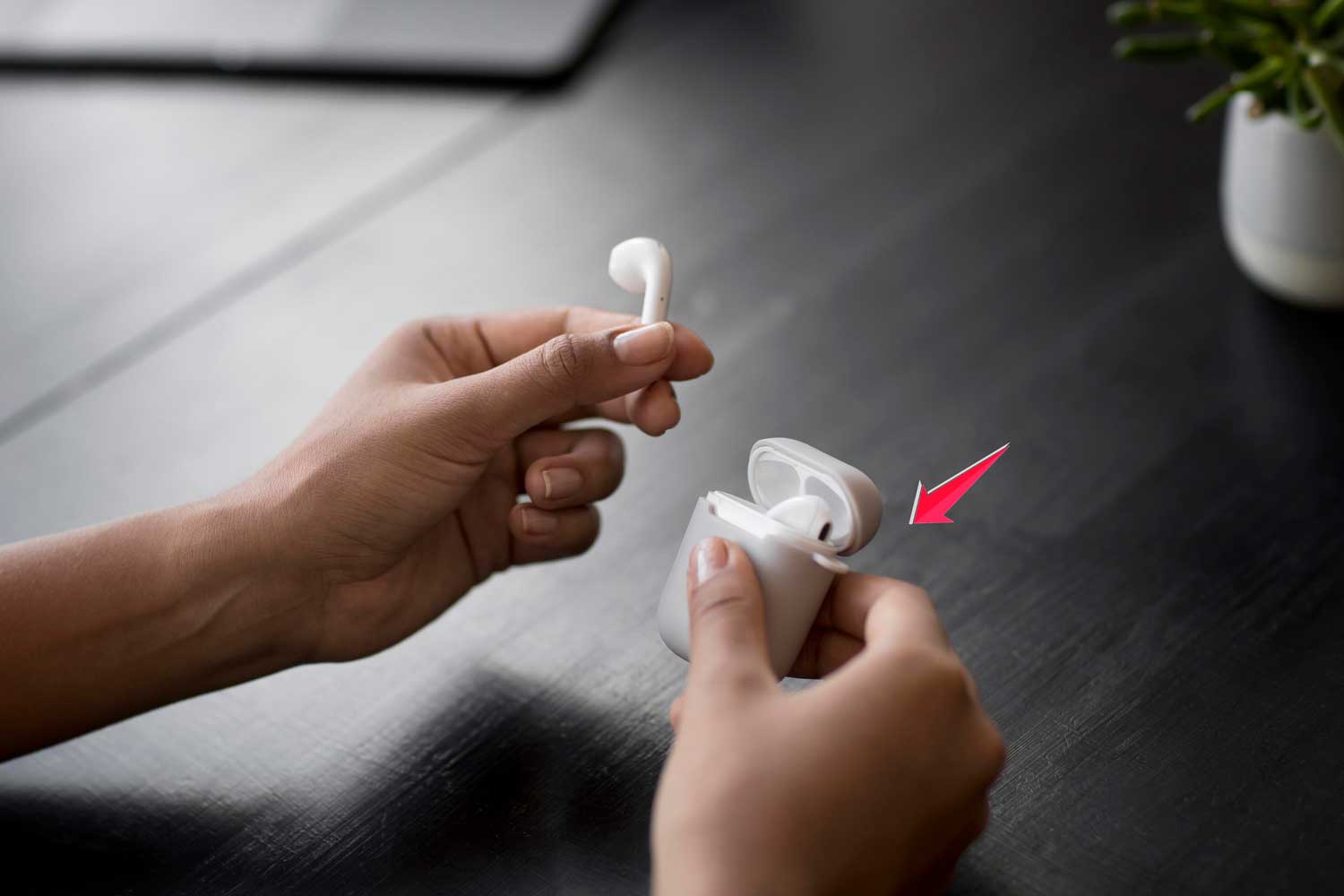
- Press and hold the setup button on the back of the case for about 15 seconds. Wait until the status light flashes amber and then white, indicating a successful reset.
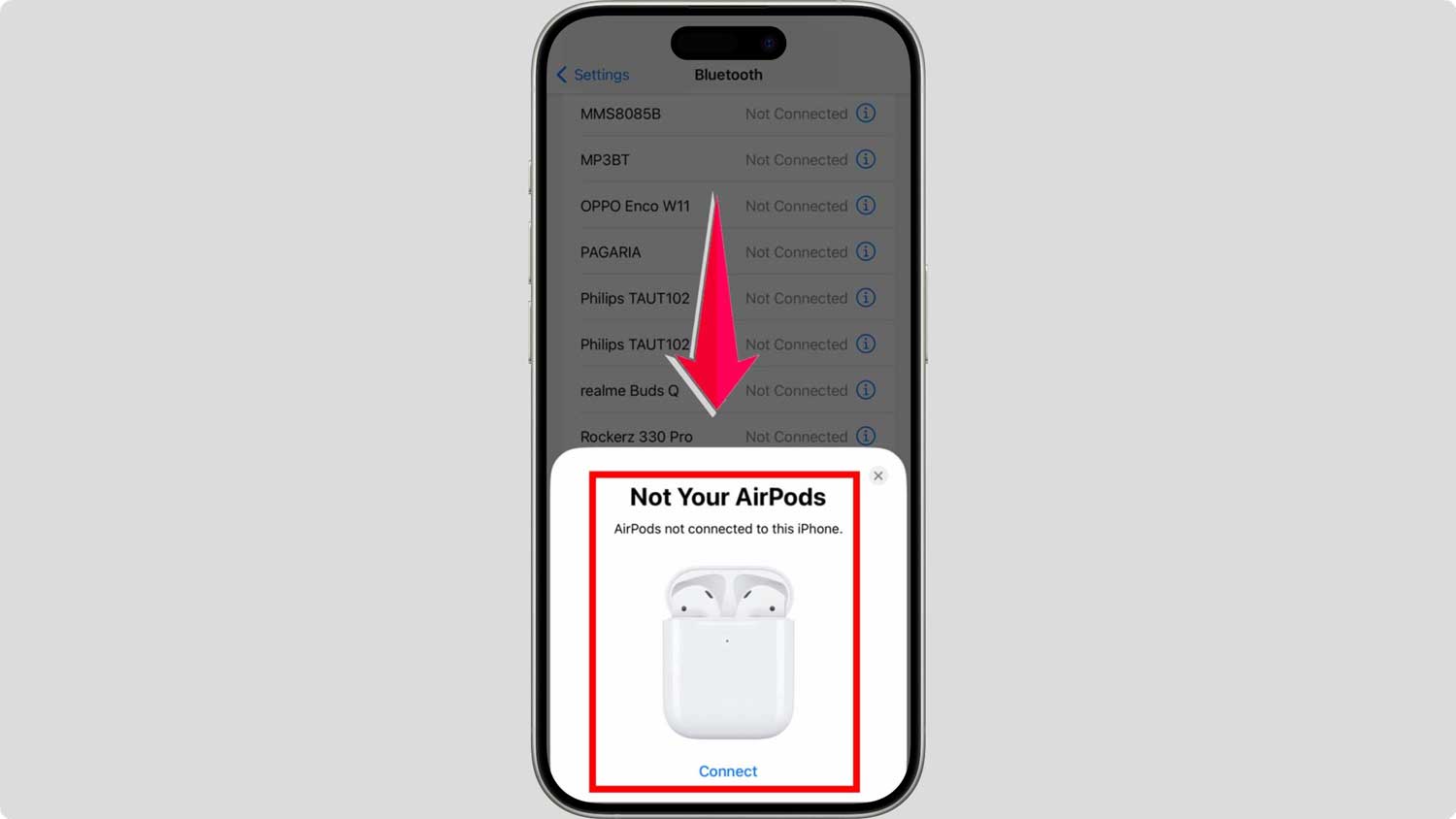
To reconnect your AirPods:
- Simply open the charging case near your phone. A setup card should pop up on your phone’s screen, prompting you to connect.
- If the card doesn’t appear, manually connect through the Bluetooth settings on your phone.
How To Reset Your Apple AirPods Max?
Resetting your Apple AirPods Max is almost as easy as resetting AirPods and AirPods Pro.
However, instead of using a button on a case, you’ll use the buttons on the ear cup. Here’s how:
#1 Disconnect the AirPods Max from your device:
- Open the iOS Settings app and go to the Bluetooth menu.
- Find your AirPods Max and tap the More Info button (the circle with the “i” in it).
- Select Forget this device and confirm to unpair them.

#2 Reset the AirPods Max:
- Locate the noise control and digital crown buttons on the top of the right ear cup.
- Press and hold both buttons for about 15 seconds. The LED should flash amber and then white, indicating the reset is complete.
Once reset, your AirPods Max will be restored to factory settings.
To reconnect them, simply bring them close to your device, and a setup card should appear on your screen, prompting you to connect. If not, manually pair them through the Bluetooth menu.
What Happens If You Don’t Reset the Owner of AirPods
So, you’re thinking of using pre-owned AirPods without resetting them? Let’s talk about why that might not be the best idea. Here are some issues you might run into:
1. Oops! Can’t Find Those AirPods!
When you can’t find your AirPods, the Find My feature is like a superhero! It uses your Apple ID to help locate your lost devices.
But if those AirPods are still linked to someone else’s Apple ID, you won’t be able to use Find My. That means if they go missing, it’s going to be a tough hunt!
2. Setup, Setup, and Setup Again!
Imagine having to set up your AirPods every single time you want to use them on a different device. Sounds tedious, right?
Well, that’s what happens when they’re not connected to your Apple ID. It’s like having to reintroduce yourself to someone every time you meet them!
3. Could They Be… Stolen?
There’s a neat feature called Pairing Lock that’s kind of like a security guard for AirPods.
If someone isn’t willing or able to unlink the AirPods from their Apple ID, there might be a reason.
They might not be the original owners, and the AirPods might be stolen. Yikes!
4. Selling Them? Think Again!
Selling tied AirPods is tough. Most buyers want a clean slate. Before you sell. Or if you’re buying. Make sure you follow this guide on how to reset AirPods Pro from a previous owner to avoid Apple ID lock issues.
Why Resetting Is a Smart Move
Resetting those AirPods and linking them to your own Apple ID saves you from a bunch of hassles and ensures you get the best experience. It’s a smart move to make them truly yours.
So, go ahead and reset those AirPods for a smooth and worry-free experience!
Wrapping Up: The Smart Move with Pre-Owned AirPods
Alright, music enthusiasts, we’ve covered a lot today! By now, it’s clear that giving your AirPods a proper reset isn’t just about making them yours.
It’s about ensuring a smooth, hassle-free experience every time you pop them in.
Think about it: you wouldn’t wear shoes that aren’t adjusted to your feet, right? Similarly, for the best listening experience and to dodge any future hiccups, resetting those AirPods is the way to go.
Whether you’re buying them second-hand, receiving them as a gift, or even planning to sell them later, this simple action can make all the difference.
So, for uninterrupted jams and complete peace of mind, always remember to make those AirPods truly yours.
Thanks for sticking with us! Jam on and keep the beats flowing!
And while you’re upgrading your tech game, here’s a look at whether are Apple Watch waterproof before you hit the pool with yours.