Did you know that over 1 billion people worldwide use iPhones? That’s a lot of music lovers who might want to boost their listening experience.
If you’ve ever wished your iPhone could play music on more than one Bluetooth speaker at once, you’re not alone.
Many iPhone users face this challenge when they want to create a bigger sound for parties, outdoor gatherings, or just relaxing at home.
The problem is that iPhones aren’t set up to connect to multiple Bluetooth speakers by default. This limitation can be frustrating when you’re trying to fill a larger space with music or create a more immersive sound experience.
But don’t worry. There are ways to make your iPhone work with two Bluetooth speakers simultaneously.
In this article, you’ll learn some simple techniques to expand your iPhone’s audio output. Whether you want to amplify your tunes or create a surround sound effect, you’ll find practical solutions here.
Get ready to transform how you listen to music on your iPhone. Let’s dive in and explore how you can unlock the full potential of your device and your Bluetooth speakers.
How many Bluetooth devices can your iPhone handle?
Did you know your iPhone can connect to multiple Bluetooth devices at once? It’s true!
Your iPhone has the ability to pair with up to 7 Bluetooth devices simultaneously. (That includes when you connect JBL earbuds to iPhone or any other accessories!)
But for the best performance, try to keep it to 3 or 4 connected devices at a time. This helps ensure everything runs smoothly and you don’t run into any connection hiccups.
Your iPhone has a cool trick up its sleeve called audio sharing. This feature lets you send audio to two sets of compatible wireless headphones or speakers at the same time.
Whether you’re using AirPods or looking to connect AirPods easily during a flight, it works wonderfully!
Imagine you’re watching a thrilling movie or vibing to your favorite playlist.
With audio sharing, you can invite a friend to tune in without having to share earbuds. It works with AirPods and many other compatible audio devices.
This feature is perfect for those times when you want to share an experience without disturbing others around you.
Whether it’s music, movies, podcasts, or audiobooks, you can easily create a shared listening experience right from your iPhone.
Methods of connecting two Bluetooth speakers to your iPhone
Want to make your music sound bigger and better? You can connect two Bluetooth speakers to your iPhone at once. Let’s explore how you can do this.
1. Using Bluetooth 5.0
If your iPhone has Bluetooth 5.0 or newer, connecting two speakers is straightforward. Here’s how:
- Turn on both Bluetooth speakers.
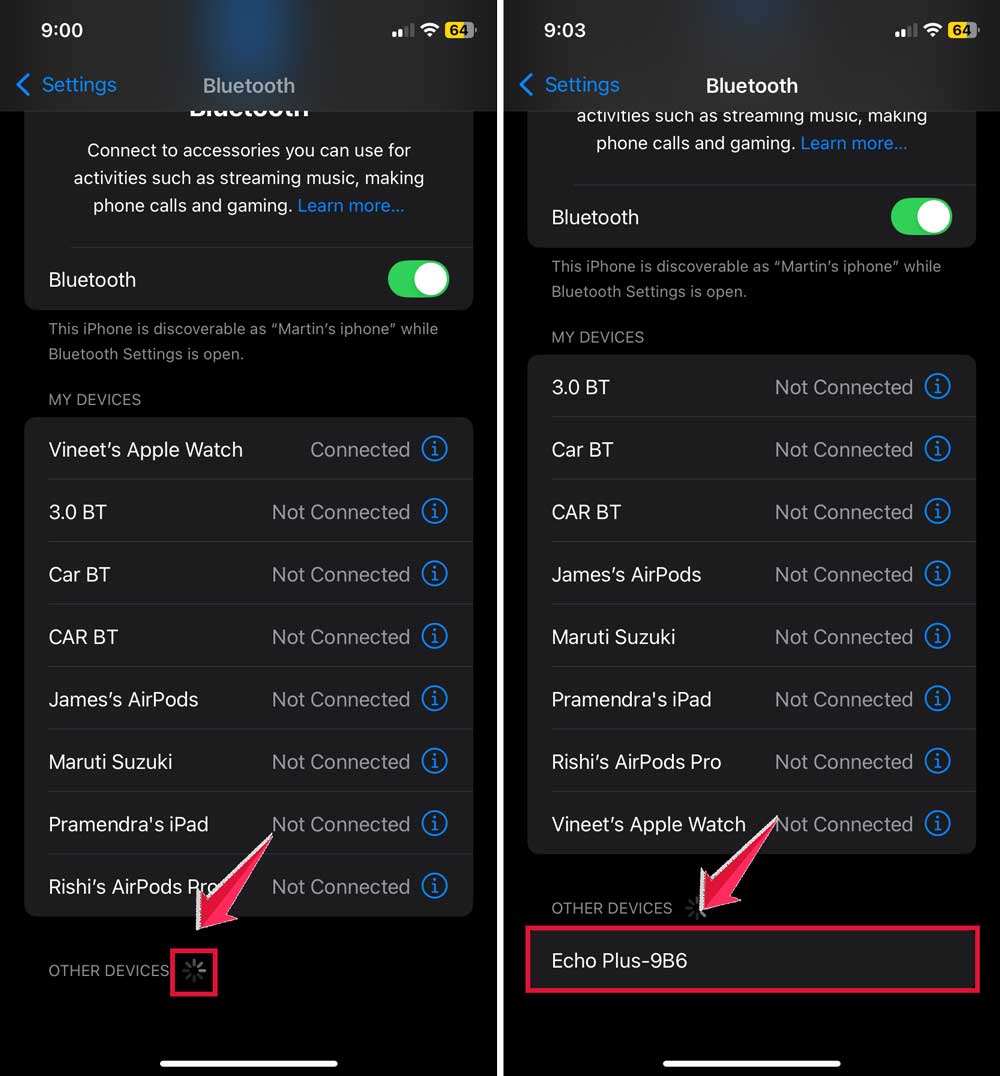
- On your iPhone, go to Settings, then Bluetooth.
- Make sure Bluetooth is on.

- Your iPhone will scan for devices.
- Tap on each speaker’s name to connect. If you face any trouble connecting, it might be a good idea to know how to fix Bluetooth issues easily before proceeding.
- Once both are connected, play your music and enjoy!
2. Using brand-specific features
Some speaker brands offer their own ways to connect multiple speakers. For example, Soundcore has a feature called PartyCast. Here’s how to use it:
- Turn on your iPhone’s Bluetooth and your Soundcore speakers.
- Connect one speaker (the “main” speaker) to your iPhone.
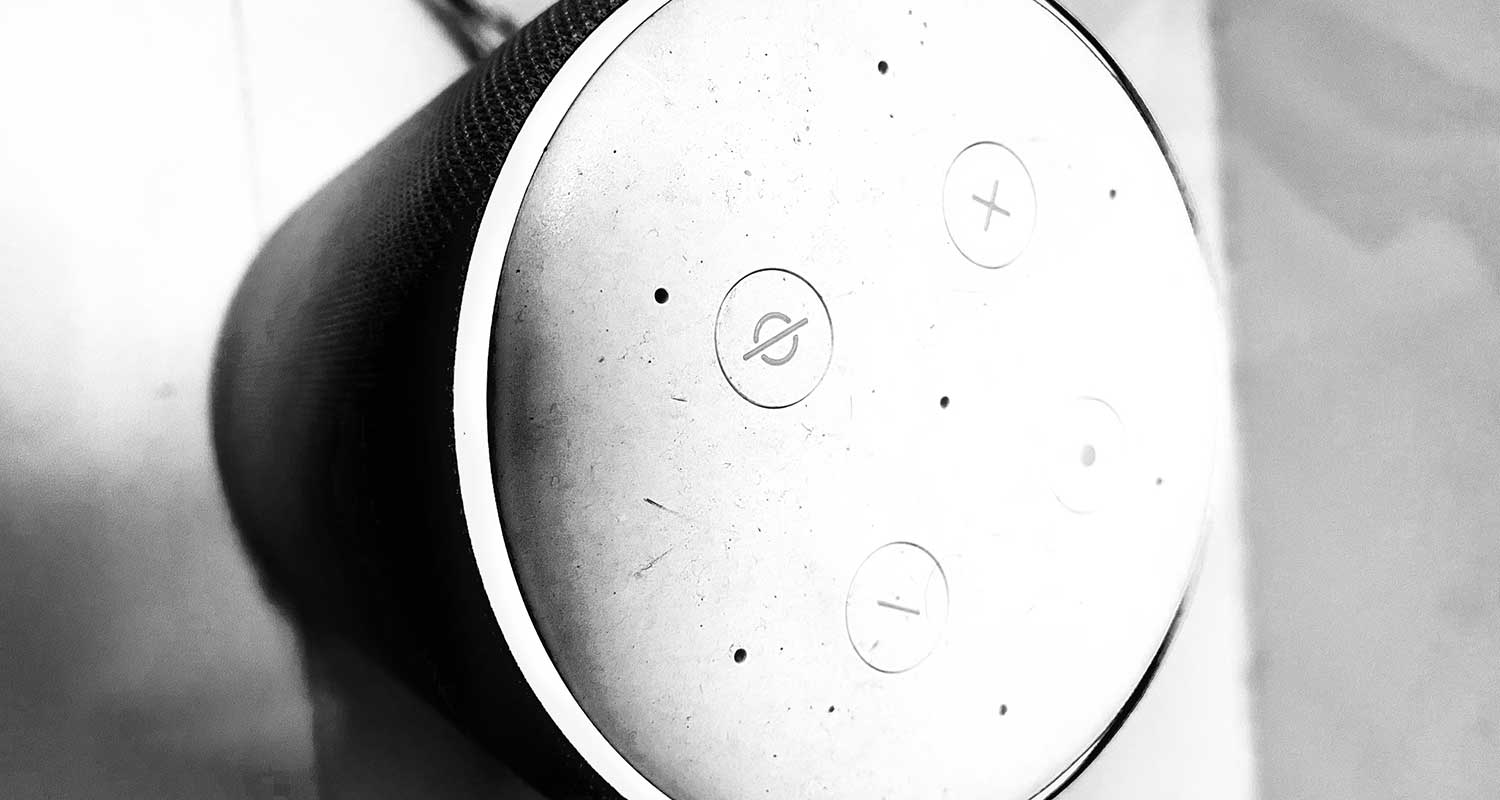
- On the main speaker, press and hold the Bluetooth button for about 3 seconds until a light flashes white.

- Repeat this step on other Soundcore speakers you want to add.
3. Using third-party apps
If your iPhone doesn’t support Bluetooth 5.0 or you’re using speakers from different brands, you can try a third-party app like AmpMe. Here’s how:
- Download AmpMe from the App Store.
- Open the app and create or join a “party”.
- Look for the option to “add a speaker”.
- Follow the app’s instructions to connect your first speaker.
- Repeat the process for your second speaker.
- Play your audio through the AmpMe app to enjoy synchronized sound from both speakers.
To enhance the connection even more, you can also enable WiFi Direct to boost wireless performance between devices.
Remember, the exact steps might vary depending on your iPhone model, iOS version, and the speakers you’re using. Always check for the latest updates and compatibility information for the best experience.
The takeaway
If you connect two Bluetooth speakers to your iPhone, it can really enhance your listening experience.
If you’re having a party, listening to music outside, or want better sound at home, you have great choices!
If your iPhone has Bluetooth 5.0 or newer, you can quickly connect two speakers in the phone’s settings.
For brands like Soundcore, you can use features like PartyCast to link multiple speakers together. If that doesn’t work out, don’t worry! Third-party apps like AmpMe can help you sync different brands of speakers.
While it might be tempting to connect many devices, your iPhone works best with 3-4 connections at a time.
This way, you can avoid any issues and enjoy a smooth performance. Here are some tips to speed up your devices for better Bluetooth and media streaming!
The key is to experiment and discover what works best for you. Try out different methods to create your perfect sound setup. With these tools, you’re all set to enjoy amazing sound from multiple speakers. Happy listening!
We’d love to hear your thoughts on this topic! Feel free to share your comments below.