You’re finally on the plane. You’ve picked your seat, the safety demo’s over, and you’re ready to relax with a good movie.
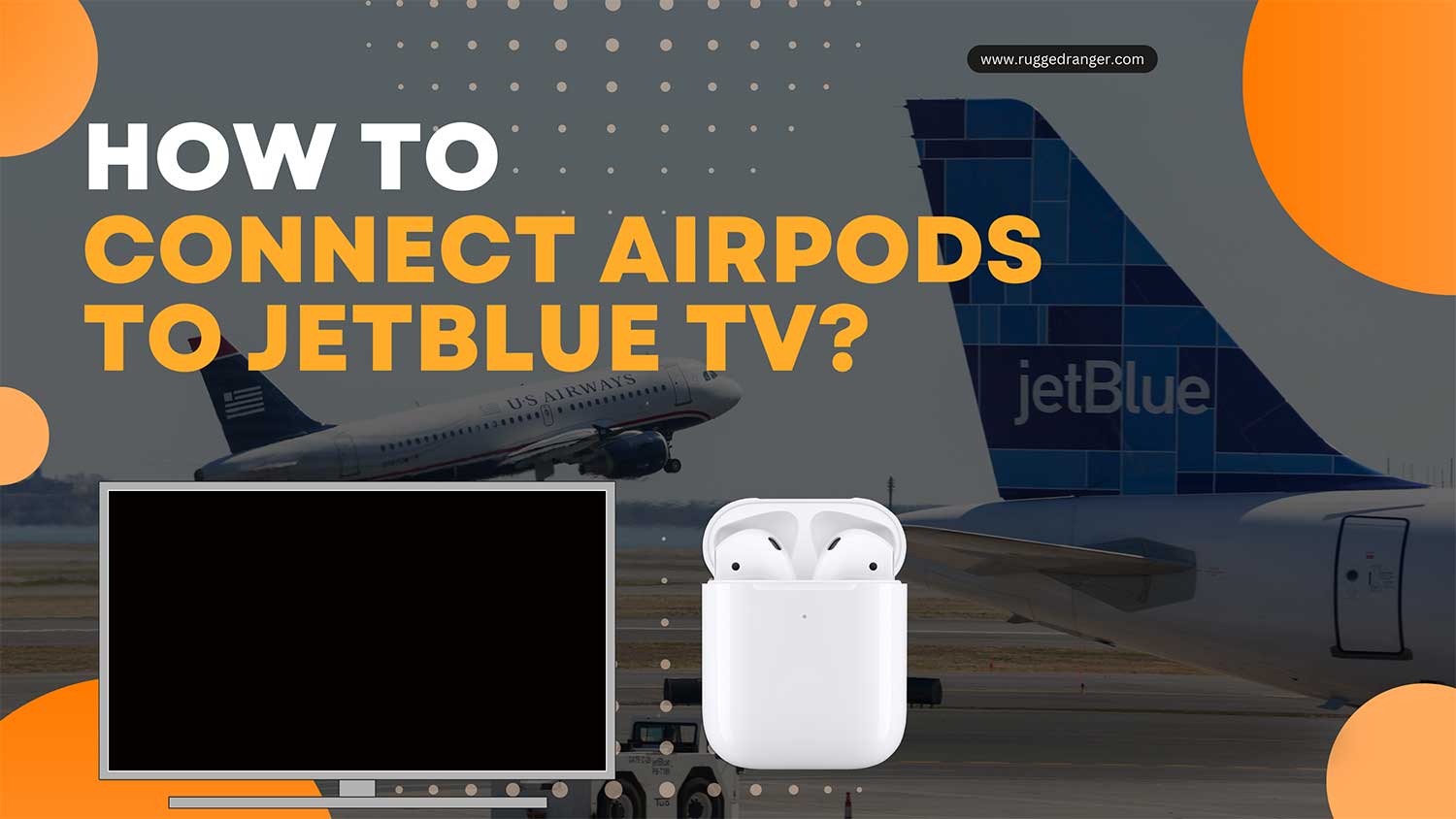
You pull out your AirPods… and realize you can’t connect them to the JetBlue screen.
Yeah, that moment sucks.
JetBlue flights give you free movies and shows, but their seatback TVs still use those old-school headphone jacks.
Your AirPods don’t have a wire. So now what?
Let me walk you through exactly how to fix this. Because yes, you absolutely can use your AirPods on JetBlue. You just need one tiny thing.
Why can’t you use AirPods directly with JetBlue’s TV
The problem isn’t your AirPods. It’s the tech on the plane.
JetBlue’s in-flight entertainment uses a standard 3.5mm headphone jack. That means it only works with wired headphones.
But AirPods are wireless. So there’s no way to plug them in directly. And JetBlue screens don’t support Bluetooth either.
So what now?
Here’s the real solution: Use a Bluetooth adapter
You need a small device called a Bluetooth audio adapter. Some people call it an “AirPods airplane adapter.”
It’s a tiny transmitter that plugs into the headphone jack and sends the audio to your AirPods over Bluetooth.
The best part? Once it’s connected, you won’t need to touch anything else. Just sit back and enjoy your movie in peace.
What kind of adapter should you buy?
You’ve got options. The most popular one is called AirFly. It’s built specifically for flights.
But other brands like Twelve South, TaoTronics, and even generic Bluetooth transmitters on Amazon work just fine.
Just make sure it has a headphone jack and is built to transmit audio, not receive.
Buy it before your trip. You won’t find these at the airport.
How to set it all up on the flight
Setting it up is actually super easy. Do this right after takeoff:
- Turn on the Bluetooth adapter.
- Press and hold the button on your AirPods case until the light starts flashing.
- Wait for the adapter to connect. Its light should stop blinking once paired.
- Plug the adapter into the seat’s headphone jack.
Done. You’ll start hearing movie audio in your AirPods right away.
If the audio sounds low, increase the volume using the screen controls.
Can JetBlue TVs connect to Bluetooth directly?
Most can’t. JetBlue’s older entertainment systems don’t support direct Bluetooth pairing yet.
But some newer planes might support it in the future. If you want to check:
- Open the TV screen in front of you.
- Go to the Settings or Audio menu.
- Look for a “Bluetooth” or “Wireless” audio option.
If you see it, great. Try putting your AirPods in pairing mode and select them from the screen.
But again, don’t count on this working. Bring your adapter.
Don’t forget these things before you board
If you want a smooth experience, plan ahead.
Make sure to fully charge your AirPods and the adapter before your flight. It’s best to keep the adapter in your carry-on bag instead of your checked luggage.
Test your AirPods with the adapter at home to ensure everything is working well. It’s also wise to bring a backup pair of wired headphones, just in case.
If your AirPods stop working while you’re in the air, check the battery or try re-pairing them. If the sound cuts out, simply unplug the adapter and plug it back in.
Also. Don’t lose your AirPods case or the adapter mid-flight. These tiny gadgets can slide into the seat cracks real quick.
Why using AirPods on flights is actually awesome
You already know why. But here’s what makes it even better:
- The sound quality is just better than those cheap airline earbuds.
- You don’t have to ask for wired headphones or deal with tangled cords.
- You can block out engine noise using noise cancellation if you’re using AirPods Pro or Max.
- You don’t need to share or reuse public headphones. It’s cleaner.
- You can switch from plane audio to your phone or iPad in seconds.
It just feels better to watch a movie using your own stuff.
Worried about battery life?
Your AirPods last around 4–5 hours on a single charge. The case gives you multiple recharges.
But if you’re flying long-haul:
- Use one AirPod at a time to extend usage.
- Turn off noise cancellation if you don’t need it.
- Bring a portable charger for the case.
- Only connect when watching. No need to waste battery while waiting.
Your adapter should last the whole flight if you charge it fully.
What if nothing works?
If the adapter won’t connect or your AirPods aren’t playing sound:
- Unplug and replug the adapter.
- Reset your AirPods by holding the case button until the light flashes amber and white.
- Put the adapter back in pairing mode.
- Try the pairing process again.
Still stuck? Ask a flight attendant if there’s a known issue with the screen or jack. Or switch to your wired headphones if needed.
The takeaway
You can’t plug AirPods directly into JetBlue’s seatback screens. But with a simple Bluetooth adapter, you can still enjoy movies and music just the way you like them.
Get a good adapter. Charge everything before boarding. Test your setup once you’re seated. Keep the adapter and case where you can reach them. Have backups just in case.
Next time you fly, you won’t have to settle for scratchy audio or shared earbuds. You’ll be watching, listening, and relaxing with your own setup. no wires, no stress.
So pack smart, connect right, and enjoy the flight.
Safe travels. And happy listening at 30,000 feet.