Did you know that over 100 million people worldwide use Apple Watches? That’s a lot of wrists sporting these smart devices!
But with all those Apple Watches out there, one question keeps popping up: “Can I charge my Apple Watch with my iPhone?”
It’s a common scenario. You’re out and about, your watch battery is running low, and you’re hoping your iPhone might come to the rescue.
After all, both devices are from Apple, so they should work together, right? Unfortunately, it’s not that simple.
In this article, we’ll clear up the confusion about charging your Apple Watch.
We’ll explore why you can’t use your iPhone as a charger and what options you do have.
Can you charge your Apple Watch with your iPhone?
You might wonder if your iPhone can help out when your Apple Watch battery is low.
After all, they’re both Apple devices, so shouldn’t they work together? Let’s clear up this common question.
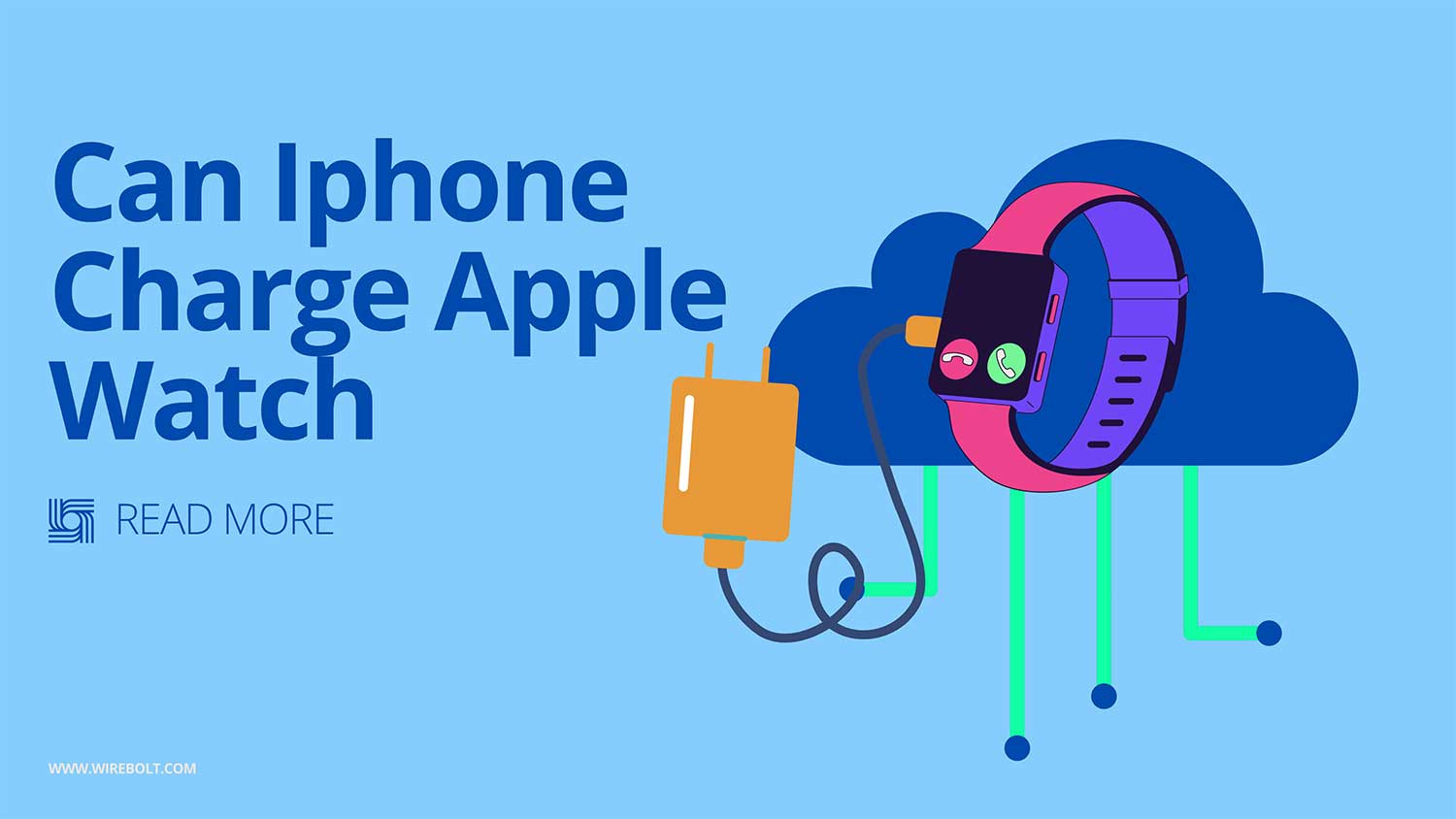
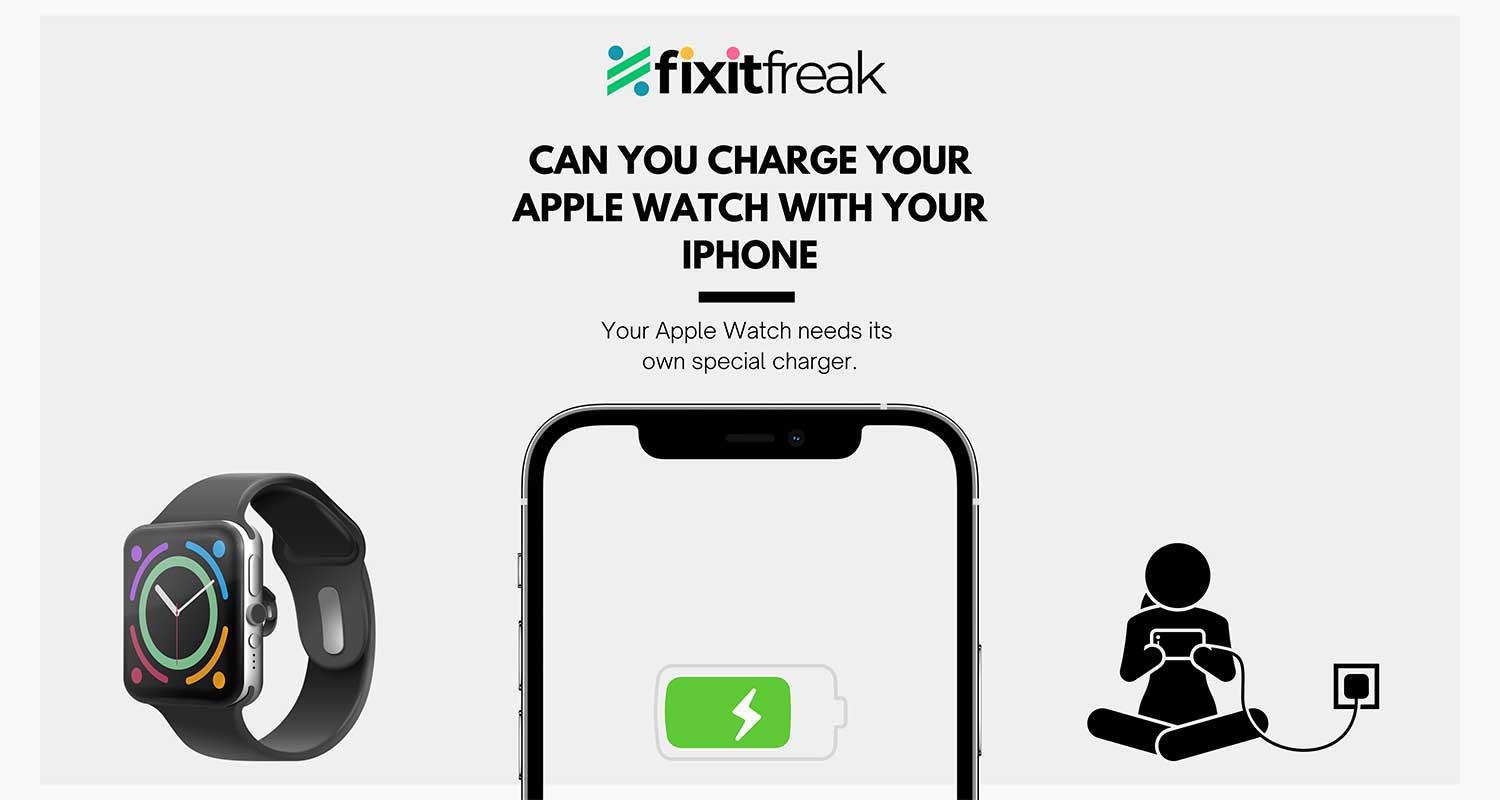
No, you can’t charge your Apple Watch with your iPhone. Your Apple Watch needs its own special charger. This might seem odd, but there’s a good reason for it.
Your Apple Watch uses a different charging method from your iPhone.
It has a unique magnetic charger that snaps onto the back of the watch.
This charger is designed to provide just the right amount of power for your watch.
Some people have asked about a hidden port on the Apple Watch.
While there is a small port, it’s not for charging. Apple uses it for diagnosing problems with the watch. It’s not meant for everyday use.
So, what’s the best way to charge your Apple Watch? Simply use the magnetic charger that came with it.
It’s designed to work perfectly with your watch and keep it powered up efficiently.
How to charge your Apple Watch without a cable?
The magnetic charging dock is your backup plan. This isn’t just a fancy accessory.
It’s a practical solution when you’re without your cable. Here’s what you need to know:
- The dock uses the same magnetic charging technology as the cable.
- It’s designed to work perfectly with your Apple Watch.
- You can place your watch on the dock in any orientation. It’ll charge either way.
Your Apple Watch isn’t picky about its charging method.
Whether you use the cable or the dock, your watch will charge just fine. Both provide the right amount of power to keep your device running smoothly.
Remember, while the dock is handy, it’s a good idea to keep your charging cable in an easy-to-remember spot.
This way, you’ll always have a way to charge your watch, whether you’re at home or on the go.
Why can’t you use iPhone or iPad chargers for your Apple Watch?

You might wonder why you can’t use your iPhone or iPad charger for your Apple Watch. Let’s break down the reasons:
1. Different charging methods. Your Apple Watch uses inductive charging, which uses magnets. This is different from your iPhone or iPad, which use a lightning connector. The Apple Watch doesn’t have a lightning port, so there’s nowhere to plug in an iPhone charger.
2. Power requirements are different. The Apple Watch needs a specific amount of power. Its charger is designed to provide exactly what it needs. An iPhone charger might provide too much power, which could damage your watch.
3. Magnetic alignment. The Apple Watch charger uses magnets to snap into place. This ensures the watch is perfectly aligned for charging. An iPhone charger doesn’t have this feature.
4. Wireless charging differences. While iPhones can use Qi wireless charging, the Apple Watch uses its own wireless charging system. These systems aren’t compatible with each other.
Remember, Apple designs its products to work best with their specific accessories. While it might seem inconvenient, using the right charger ensures your devices work properly and safely.
What is the hidden port on your Apple Watch used for?
You might have spotted a small, hidden port on your Apple Watch. Let’s explore what this mysterious feature is all about:
The port is tucked away where the bottom watch band connects to the watch body. It’s a six-pin port hidden under a small cap. You probably won’t notice it unless you’re looking for it.
This port is primarily a diagnostic tool. Apple technicians use it to run tests and diagnose problems with your watch. It’s not meant for everyday use by watch owners.
In 2015, a company called Reserve Strap discovered the port could be used for faster charging. They created a special band that charged the watch through this port, working about 6-7% faster than the standard charger.
Apple quickly stopped this use of the port. They were concerned about safety issues, like the risk of small electrical burns from charging while wearing the watch.
While Apple patented an idea for a battery band charger in 2017, they haven’t released any products using this technology. For now, the hidden port remains just for diagnostics.
How to get the best charging for your Apple Watch
Want to make sure your Apple Watch charges quickly and efficiently? Here are some simple tips to help you get the most out of your charging time:
First, let’s find a cozy spot for your watch:
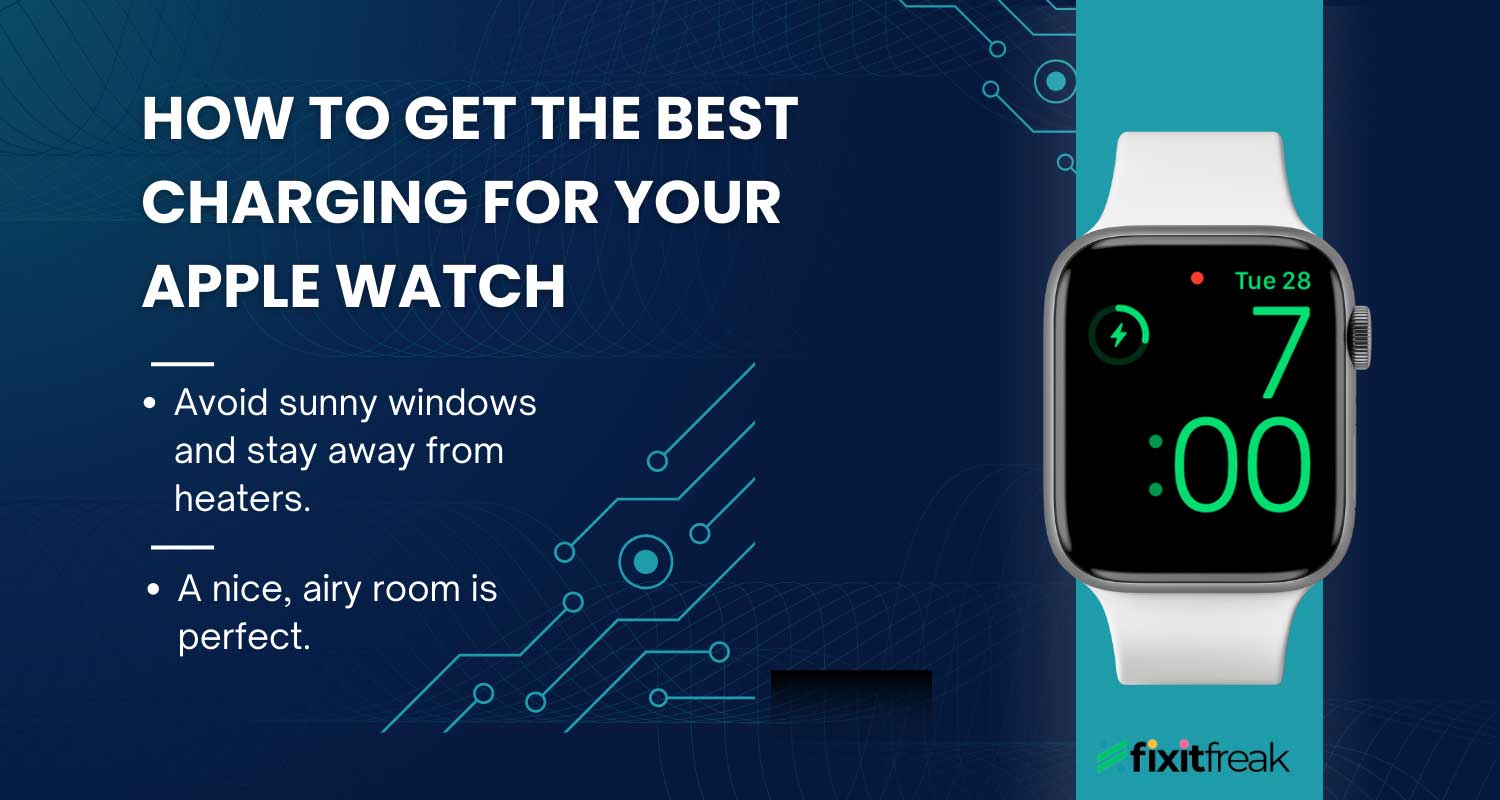
- Think cool and breezy. Your watch likes to chill while it charges.
- Avoid sunny windows and stay away from heaters.
- A nice, airy room is perfect.
Now, let’s get that watch juiced up:
- Grab your Apple Watch charger. You know, the one with the cool magnetic end.
- Snap your watch onto the charger. You’ll feel that satisfying click.
- Plug it into the wall, and you’re good to go.
Here’s a quick pro tip: Always use the official Apple charger or one that Apple says is okay. It’s the safest bet for your watch.
Once you’re all plugged in, look for that little lightning bolt on your watch face. That’s your watch’s way of saying, “Thanks for the power boost!”
What to do when your Apple Watch won’t charge

Having trouble charging your Apple Watch? Don’t worry. Here are some steps you can take to get your watch powered up again:
1. Check all connections
First, make sure everything is properly connected:
- Is the charger firmly plugged into the power adapter?
- Is the adapter securely connected to the power outlet?
- Is the magnetic charger properly aligned with the back of your watch?
2. Test your power source
Sometimes the issue isn’t with your watch or charger:
- If you’re using a power strip, make sure it’s switched on.
- Try plugging directly into a wall outlet.
- Test the outlet with another device to ensure it’s working.
3. Try a different charger
If possible, use another Apple Watch charger:
- Borrow one from a friend or family member.
- This can help determine if the problem is with your charger or the watch itself.
4. Check your power adapter
The small cube that plugs into the wall is important:
- If you have a spare Apple adapter, try using it instead.
- Sometimes, the adapter can fail even if the cable looks fine.
Remember, if none of these steps work, it may not be syncing with your iPhone. It might be time to contact Apple Support or visit an Apple Store.
They can provide more advanced troubleshooting or repair services if needed.
The takeaway
Charging your Apple Watch might seem complicated, but it’s actually quite simple. Many people wonder if they can use their iPhone charger or other devices to power up their watch, but that’s not possible.
Your Apple Watch needs its own special magnetic charger. This charger is designed specifically for your watch and provides the right amount of power.
While it might be convenient to use one charger for all your devices, the unique charging method of the Apple Watch ensures it charges safely and efficiently.
A common misconception is that the hidden port on the Apple Watch can be used for charging.
While some have tried to develop alternative charging methods using this port, Apple doesn’t support these options for safety reasons.
Remember, when it comes to charging your Apple Watch, stick with what Apple provides. Use the magnetic charger that came with your watch or an Apple-approved alternative.
This way, you’ll keep your watch in good condition and ensure it’s always ready when you need it.
Let us know what your thoughts are on this in the comment section below.