Have you ever wondered if simply dragging apps to the Trash bin is enough to delete them from your Mac? Well, it’s not as simple as it seems. While many users and even some Apple support articles suggest this method, it often leaves behind residual files that can clutter your system.
To ensure a clean and complete removal of applications, you need to use an app uninstaller. This handy tool automates the entire process, making sure no leftover files are taking up precious space on your device.
In this article, you’ll learn about the best app uninstallers for Mac and how they can help you keep your system clean and organized. Whether you’re a casual user or a power user, these tools can make managing your applications much easier.
Best Uninstallers For Mac
When it comes to keeping your Mac clean and running smoothly, you need more than just dragging apps to the Trash. Let’s explore some of the best app uninstallers for Mac that can help you thoroughly remove unwanted software and free up valuable space.
1. Hazel: The All-in-One Organizer
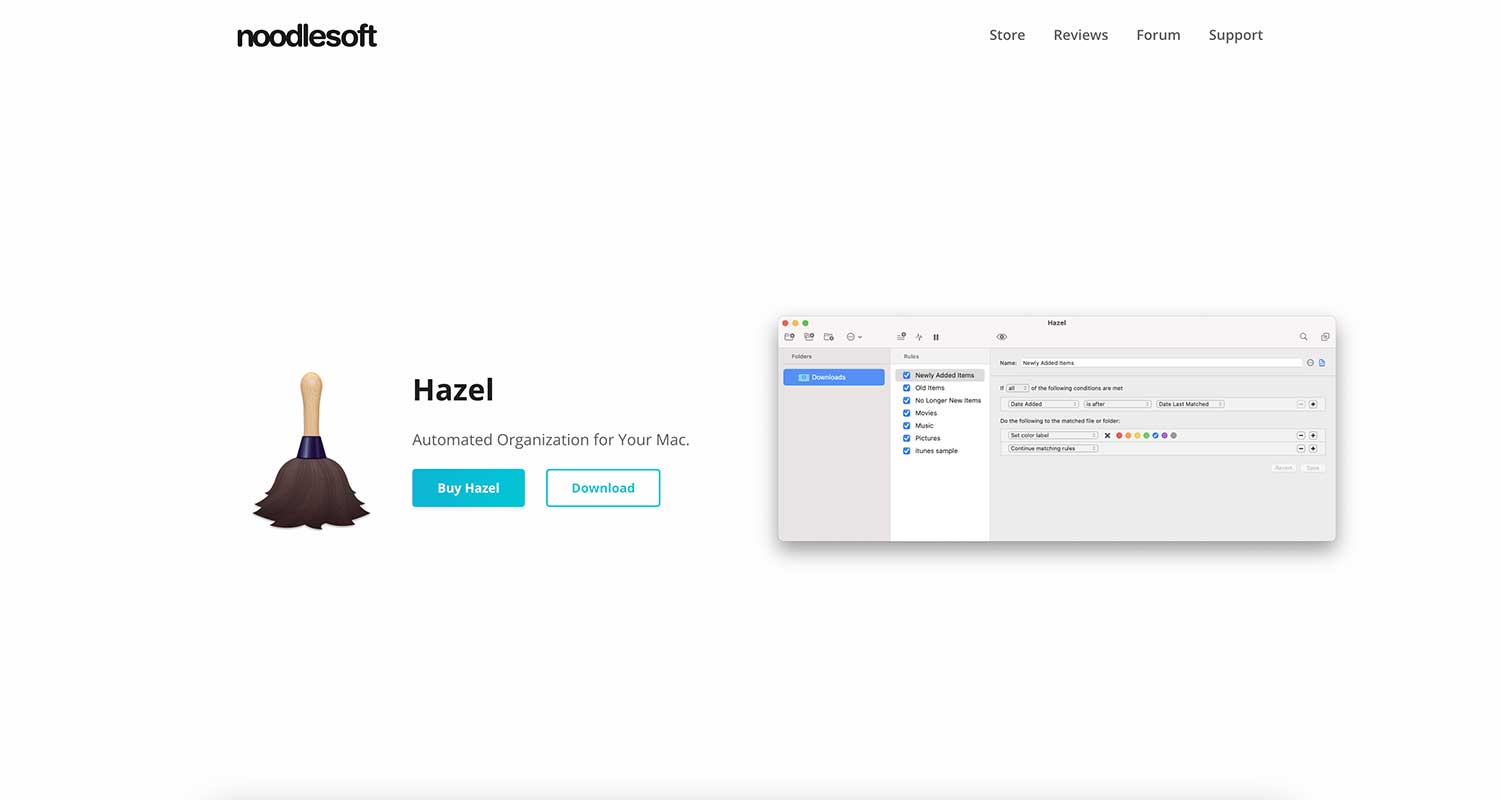
Hazel isn’t just an app uninstaller – it’s a powerful tool for keeping your entire Mac tidy. Here’s what you can do with Hazel:
- Set up rules to automatically manage your files
- Use the “App Sweep” feature to hunt down leftover files when you uninstall an app
- Automatically empty the Trash when it gets too full
While Hazel offers great customization, it might be a bit complex if you’re new to these kinds of tools. It’s priced at $42, but you can try it out with a free trial.
2. AppZapper: Simple and Effective
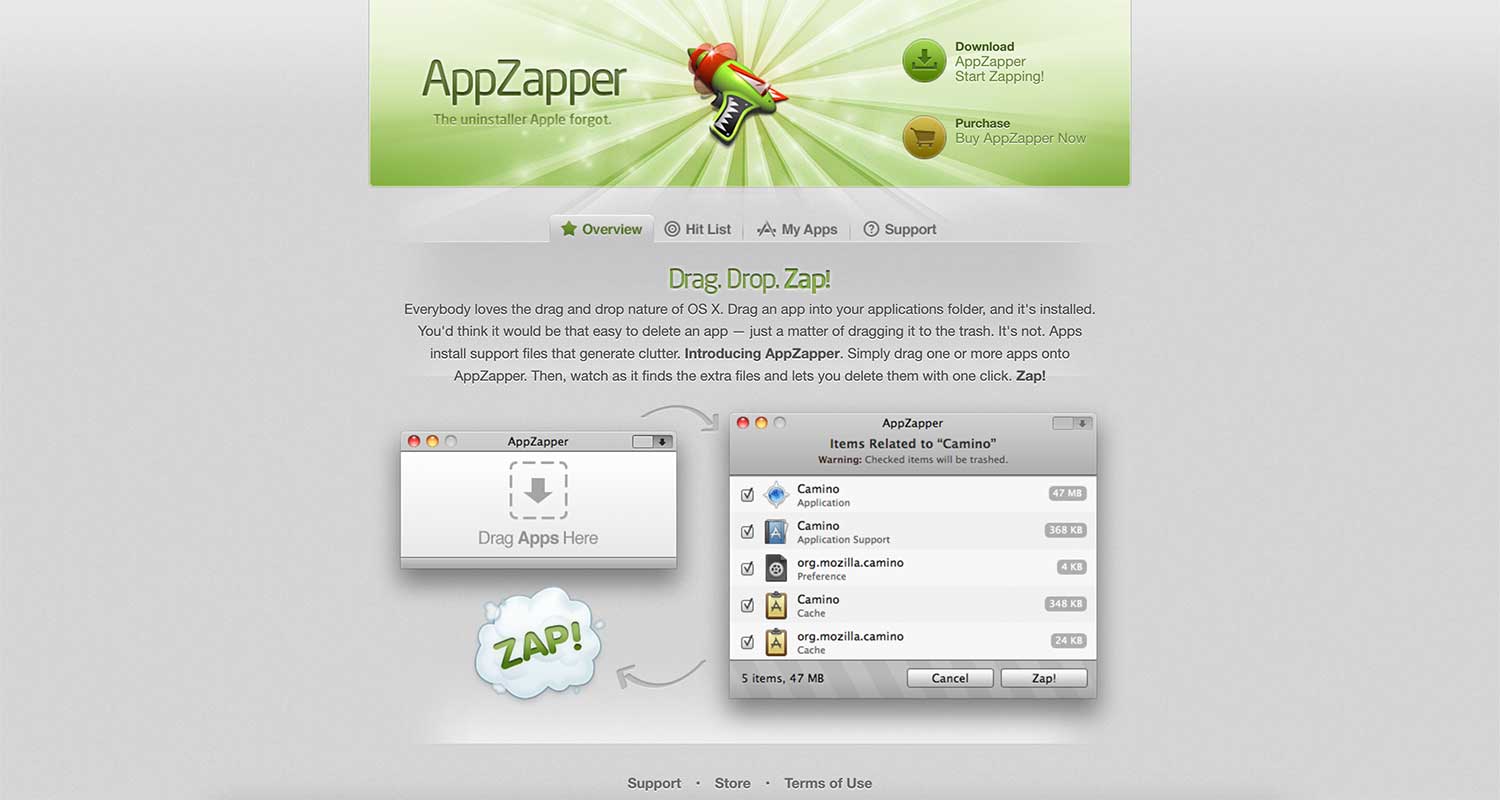
AppZapper keeps things simple. You just drag and drop applications into its interface, and it finds and removes all the associated files. Some key features include:
- The “Hit List” feature that shows you apps cluttering your hard drive
- An “undo” option in case you accidentally delete something important
- Ability to remove widgets, plugins, and other app-related files
AppZapper costs $19.95, with a free trial that lets you “zap” 5 apps.
3. AppCleaner: Free and Straightforward
If you’re looking for a free option, AppCleaner is a great choice. It’s simple to use and focuses solely on uninstalling apps. Here’s what you get:
- Easy selection of apps to uninstall
- “SmartDelete” feature that detects when you drag an app to the Trash and offers to remove associated files
- Ability to remove widgets and add-ons
AppCleaner is completely free, making it a fantastic option for basic uninstallation needs.
4. App Cleaner & Uninstaller: Advanced Management

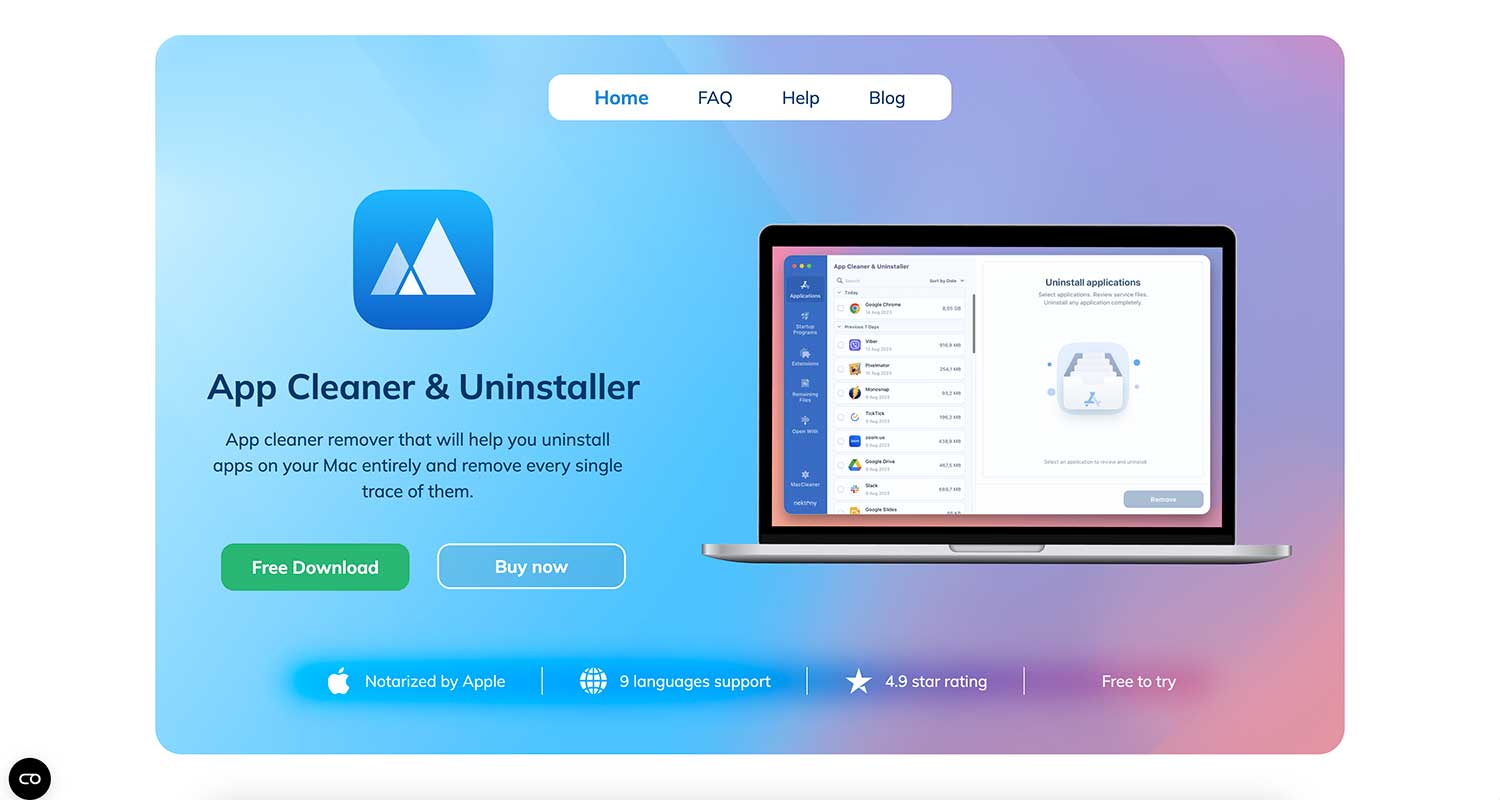
For those who want more control, App Cleaner & Uninstaller offers a feature-rich interface. You can:
- Manage extensions and startup programs
- See how much space each app and its associated files are taking up
- Select multiple apps for deletion at once
This tool costs $14.95 per year, with a free trial available.
5. TrashMe: Beyond Just Apps
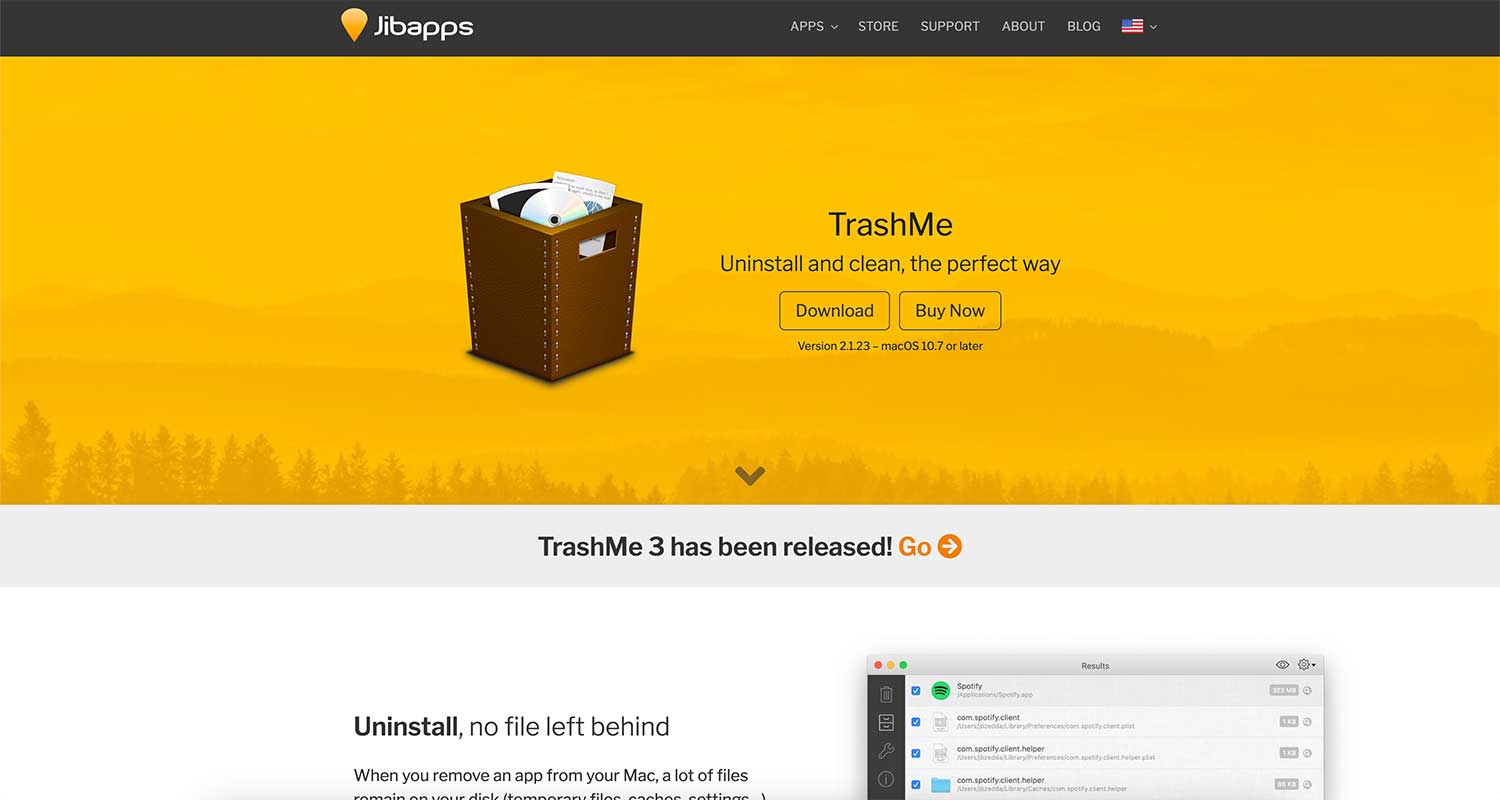
TrashMe goes beyond just uninstalling apps. It helps you clean up various types of junk files:
- Removes app-related files, duplicates, and caches
- Detects and erases incomplete downloads
- Allows selective deletion of files
TrashMe is priced at $14.99 and offers a free trial.
6. AppDelete: Quick and Efficient
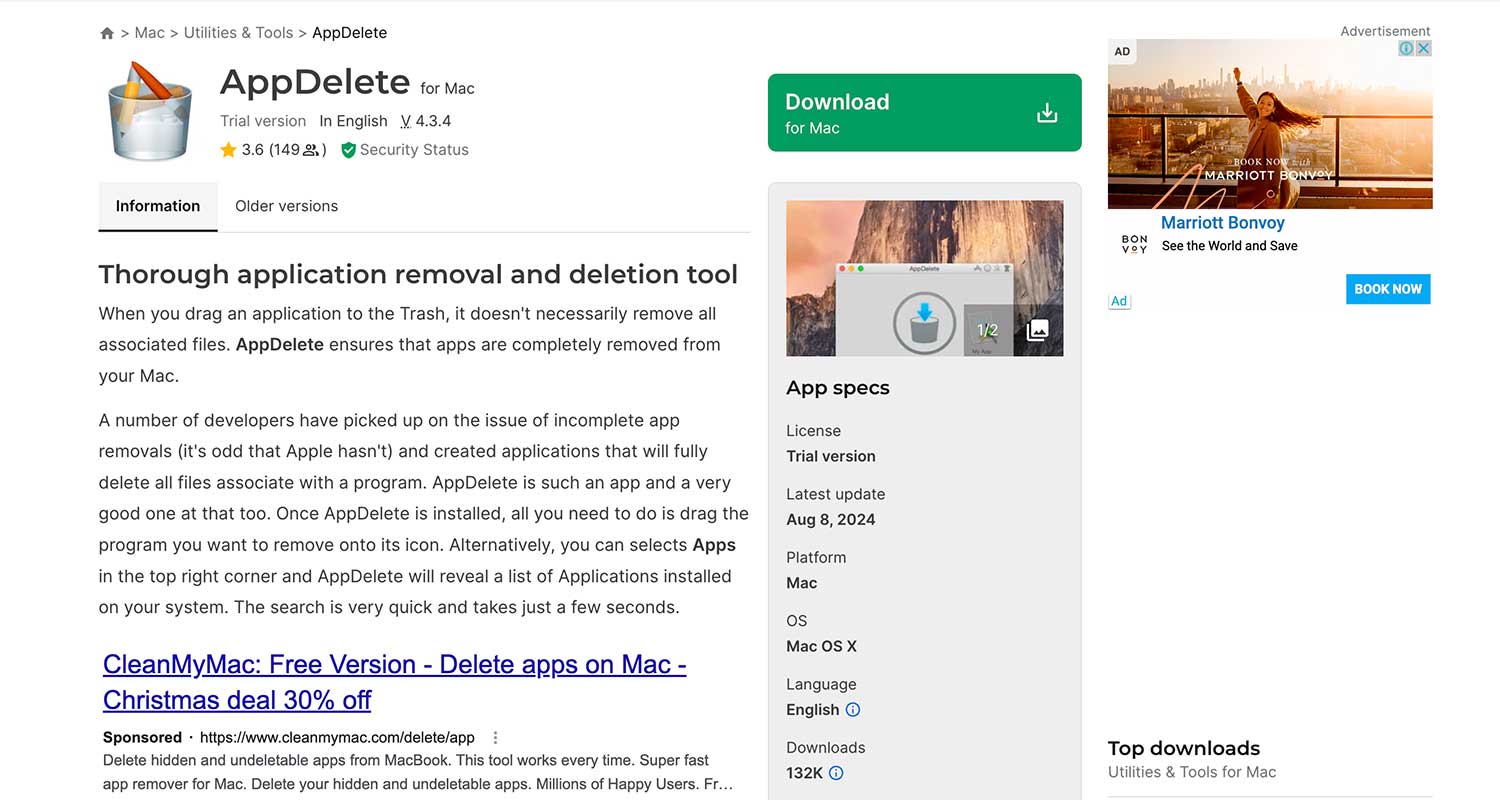
AppDelete is designed to root out even the most elusive support files. Features include:
- Removal of widgets, screensavers, and preference panes
- Options to permanently delete, log, or archive files in a “
.zip” format - An “undo” function to restore accidentally deleted files
AppDelete’s price ranges from $5 to $7.99, depending on the version, and a free trial is available.
Each of these tools offers unique features to help you keep your Mac clean and running efficiently. Consider your specific needs and try out a few to find the one that works best for you. Remember, a clean Mac is a happy Mac!
In Conclusion To
Choosing the right app uninstaller can make a big difference in keeping your Mac clean and running smoothly. Whether you prefer a simple tool like AppCleaner or a more comprehensive solution like Hazel, there’s an option that fits your needs.
Remember, properly uninstalling apps isn’t just about freeing up space—it’s about maintaining your Mac’s performance over time. Try out a few of these tools and see which one works best for you. Your Mac will thank you for it!
Would you like to share your thoughts on this topic? Feel free to leave a comment below!