You call someone, and instead of hearing it ring, you get a “call rejected” message, or it jumps straight to voicemail.
You’re left wondering. Did they block you? Is their phone broken? Or is something else going on?
It can be annoying when you don’t know the reason. But once you understand what “call rejected” actually means, it’s easier to figure out what might be happening and what you can do next.
What happens when your call gets rejected
When your call is rejected, it simply means your phone couldn’t connect to the other person’s phone. This can happen in a few ways.
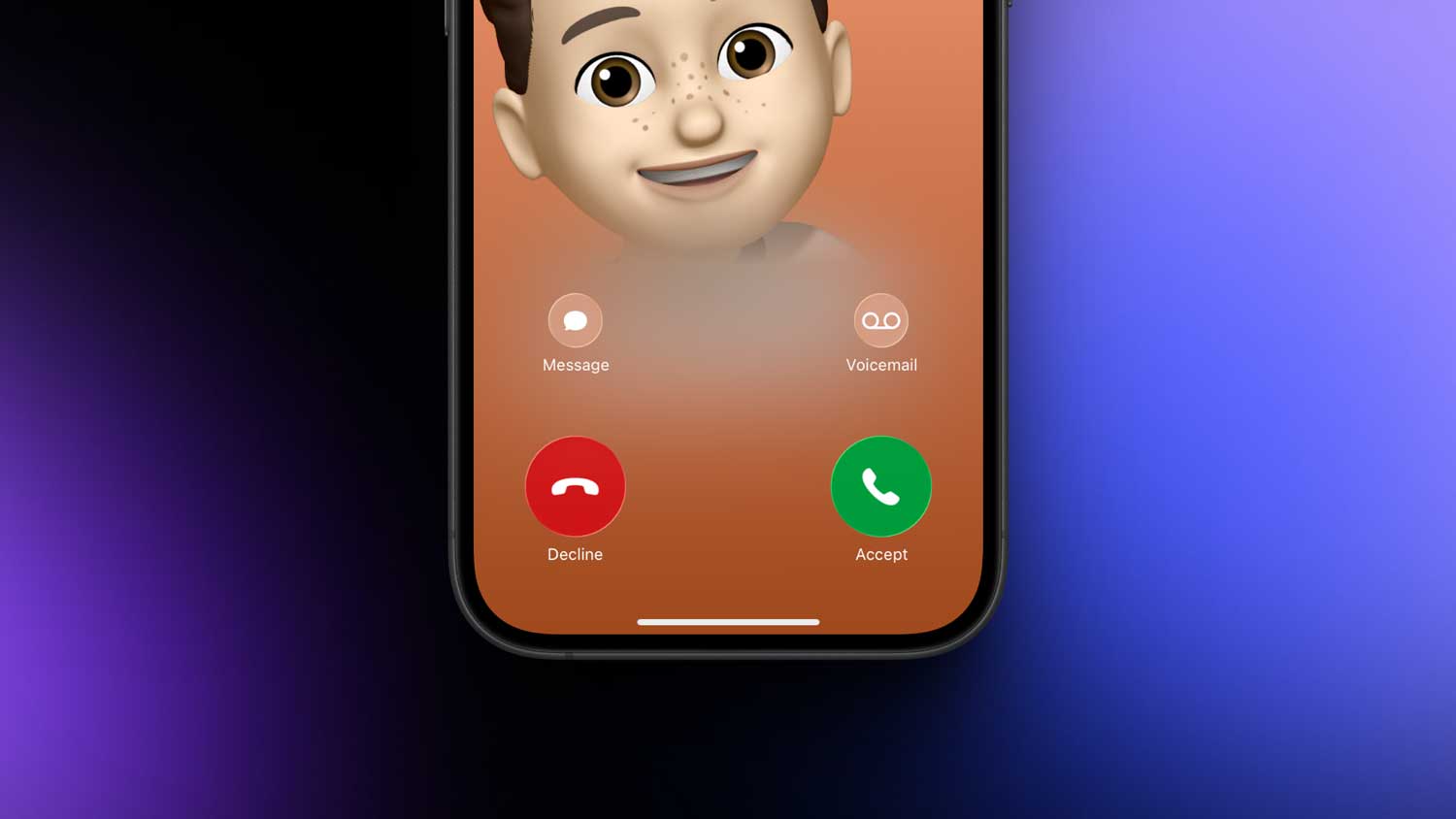
Sometimes, the person rejects it manually. That’s when they see your call and tap the red decline button. Other times, their phone is set to automatically reject certain calls. like unknown numbers or numbers they’ve blocked.
Network issues can also trigger a rejected call. If their phone is off or out of service range, some carriers will treat that as a rejection.
So remember. A rejected call doesn’t always mean they’re avoiding you. It could just be a technical or settings issue.
How calls get rejected
There are several ways your call can end up rejected, and knowing them can help you understand what’s going on.
First, there’s the manual reject. This happens when the person physically declines your call while it’s ringing. You might get sent to voicemail instantly, or the call might just end without a ring.
Then there’s blocking. If someone blocks your number, your calls will never connect normally. On some phones, it sends you straight to voicemail. On others, you might just get the “call rejected” notice.
Carriers can also reject calls. This happens with restricted numbers or SIM cards that only allow outgoing calls. It’s nothing personal. Just how the network is set up.
Service issues are another reason. If their network is having problems, your call might fail before it even rings.
Some businesses have automated systems that block certain calls, especially if your number is flagged as spam.
Inactive numbers will also reject calls. If a number hasn’t been used in months and has been deactivated, your call won’t connect.
Finally, if the phone is off, you usually go to voicemail. But if voicemail isn’t set up, it might just be treated as a rejection.
How to tell if your call was rejected
There’s no 100% guaranteed way, but there are signs you can watch for.
If the call goes to voicemail after just one or two rings, there’s a good chance it was rejected. This is different from a phone that’s off or out of range, which usually sends you to voicemail immediately with no rings at all.
If your phone actually displays “call rejected” on the screen, that’s the most direct sign. But not all phones show this message.
Sometimes, you might get an automated system asking for your name before connecting the call. If you give your name and then it never connects, that’s likely a rejection.
Why it’s not always personal
It’s easy to assume that a rejected call means the other person doesn’t want to talk. But that’s not always true.
They could be busy and just can’t pick up right now. They might have Do Not Disturb or call-blocking settings turned on that automatically reject calls.
They could be in a poor service area. They could have their phone off.
Technical reasons are actually more common than personal ones when it comes to rejected calls.
What to do if your call is rejected
If it happens once, don’t overthink it. Wait a bit and try again later.
If it keeps happening, try sending a text or message on another platform. That way, if it’s a network or settings issue, they still get your message.
If you know the person well, you can also just ask them directly if they’ve been having phone issues. Sometimes they won’t even realize their settings are rejecting calls.
What happens to voicemail in rejected calls
If your call is rejected but the person has voicemail set up, you can still leave a message. They’ll be able to listen to it when they check their voicemail later.
If they don’t have voicemail set up, your rejected call will just end without any way to leave a message.
Why businesses reject calls
Some companies use systems that automatically block numbers that have been flagged as spam or that are on a “do not call” list.
If you’ve been calling a business and keep getting rejected, it might not be personal. It could be their system filtering out certain calls. In that case, try reaching them by email or their website contact form.
Quick ways to avoid being rejected by mistake
If you think your number might be getting rejected due to being flagged as spam, you can contact your carrier and ask them to check your number’s status.
If you’re calling someone who blocks unknown numbers, make sure your caller ID is turned on. On most smartphones, you can find this in your call settings under Show My Caller ID.
The takeaway
When you see “call rejected,” it simply means your call didn’t connect. And there are many reasons for that.
It could be the person declining the call, their settings blocking certain numbers, a carrier restriction, a deactivated number, or just a technical glitch.
It’s not always about you, and it doesn’t always mean the other person is avoiding you.
If it keeps happening, try another way to reach them, like text or email. And if it’s a business, see if they have an alternative contact method.
The most important thing to remember is this. Rejected calls are just part of how phone systems work. They happen to everyone. And now you know exactly what they mean and why they happen.