Are your AirPods suddenly beeping? It can be pretty annoying, right? Imagine you’re in the middle of an important call or enjoying your favorite song when suddenly. Beep! Don’t worry. You’re not alone in this.
You know many AirPods users face this issue, and it’s usually not as serious as it seems. Your AirPods might be trying to tell you something.
Maybe the battery’s low, or there’s a connection problem. Sometimes, it’s just a simple setting that needs to be tweaked.
The good news is that you can often fix this beeping problem yourself. You don’t need to be a tech wizard or rush to the Apple Store. In this guide, we’ll walk you through some easy steps to get your AirPods back to normal.
We’ll cover why your AirPods might be beeping and show you how to stop it.
By the time you finish reading, you’ll know exactly what to do when those unexpected beeps start. Ready to enjoy your music or calls without interruption? Let’s get started!
Why are your AirPods beeping?
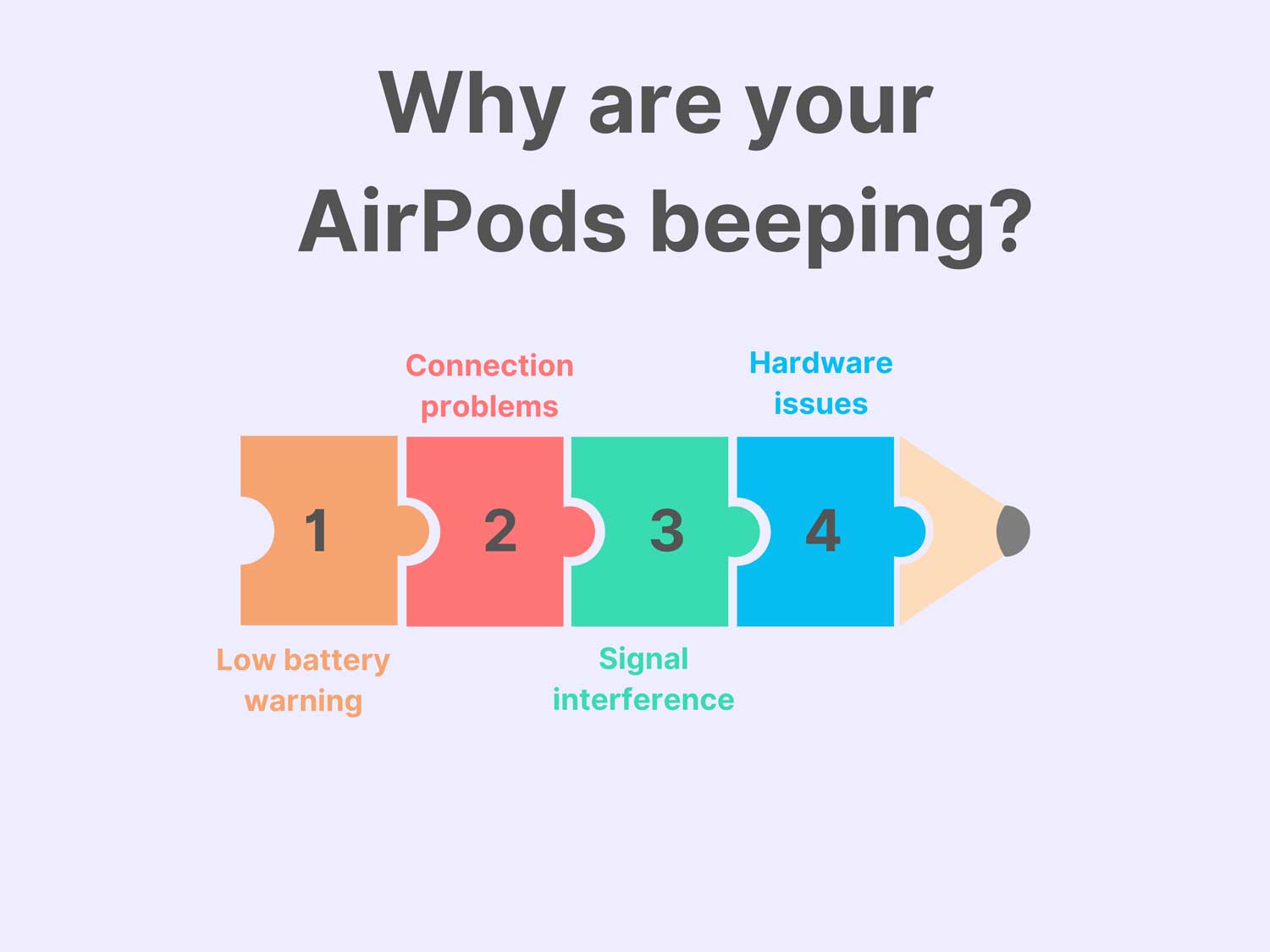
When your AirPods start making unexpected noises, they’re usually trying to tell you something. It’s their way of getting your attention. Let’s figure out what your AirPods might be trying to say with those beeps.
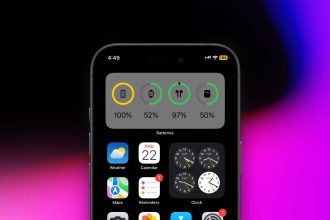
1. Low battery warning. One of the most common reasons for beeping is a low battery. Your AirPods are designed to alert you before they run out of power. Think of it as your AirPods politely saying, “Hey, I need a charge soon!”
This helpful reminder lets you know it’s time to put them back in their charging case. To save battery life, try turning off iMessage or similar heavy resources consuming apps on your iPhone. It can help save battery, too.
2. Connection problems. Sometimes, your AirPods might beep because they’re having trouble connecting to your device. This can happen if they’re too far from your phone or if there’s interference. It’s like your AirPods are saying, “Hello? Can you hear me?” They’re just trying to let you know there’s a problem with the connection.
3. Signal interference. In our tech-filled world, signal interference can sometimes confuse your AirPods. Other devices nearby might be sending out signals that mess with your AirPods’ connection. When this happens, your AirPods might beep to tell you they’re having trouble hearing your device clearly.
4. Hardware issues. While it’s less common, faulty hardware could cause beeping. If you’ve checked everything else and the beeping continues, there might be a small problem with the AirPods themselves. It’s like your AirPods have a little hiccup they can’t shake off on their own.
Why your AirPods are beeping is the first step to solving the problem. In the next sections, we’ll look at how you can fix these issues and get back to enjoying your music or calls without interruption.
How to fix your beeping AirPods
Now that you understand why your AirPods might be beeping, let’s go through some solutions. Here are several troubleshooting steps to get your AirPods working properly again:
1. Charge your AirPods
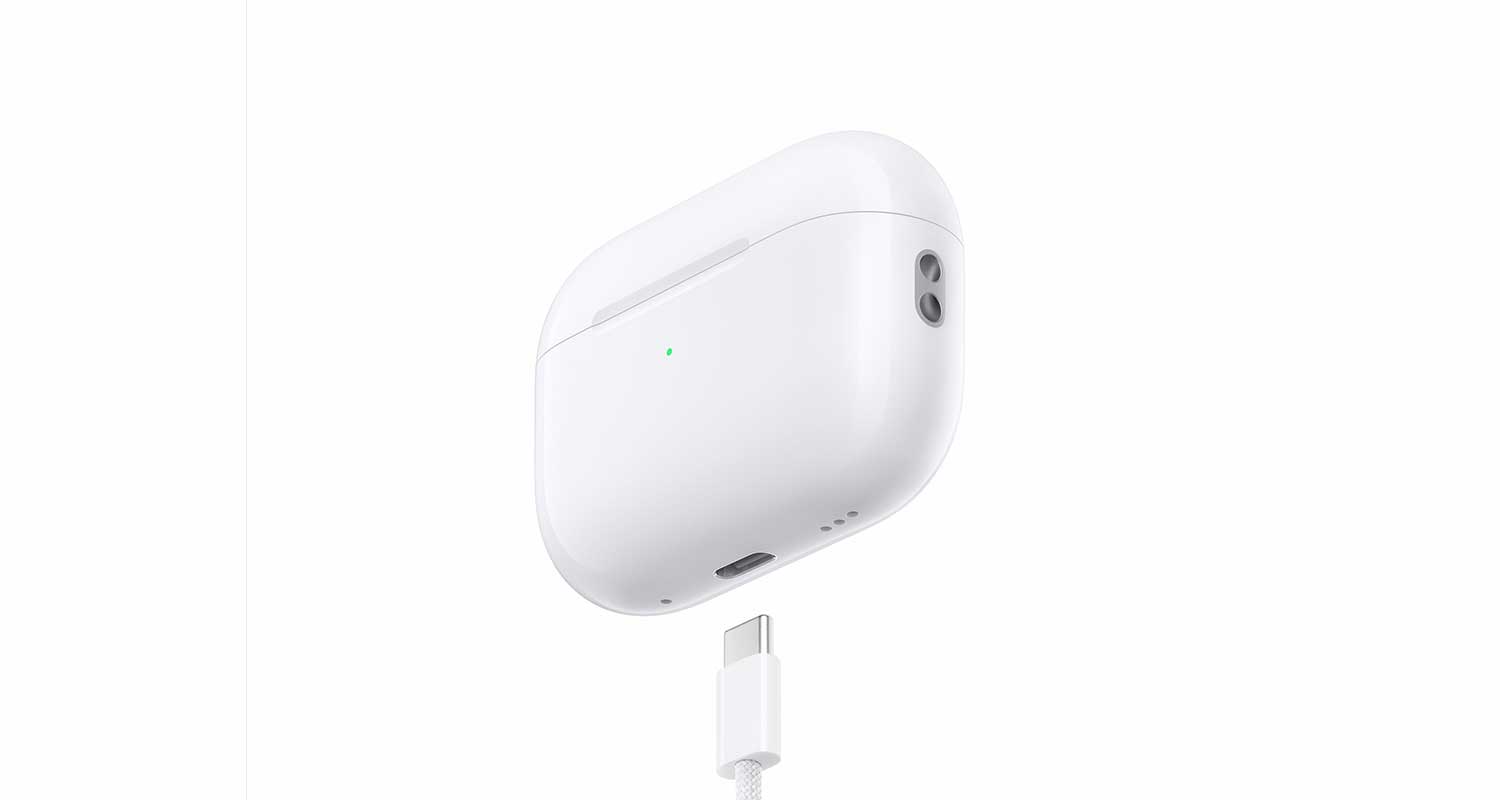
If the beeping is due to a low battery, the fix is simple. Just put your AirPods in their charging case and let them power up. Make sure the case itself has enough charge, too.
2. Clean your AirPods
Sometimes, dirt or earwax can cause issues. Gently clean your AirPods with a soft, dry cloth. For stubborn dirt, use a slightly damp cloth, but be careful not to get water in any openings.

3. Check your Bluetooth connection
Ensure your AirPods are properly connected to your device. Try turning Bluetooth off and on again on your phone or computer.

4. Update your device and AirPods
Make sure your iPhone, iPad, or Mac is up to date. AirPods firmware updates automatically when connected to your device, but ensuring your device is updated can help.
5. Reset your AirPods
If the above steps don’t work, try resetting your AirPods:
- Put your AirPods in their case and close the lid for 30 seconds.
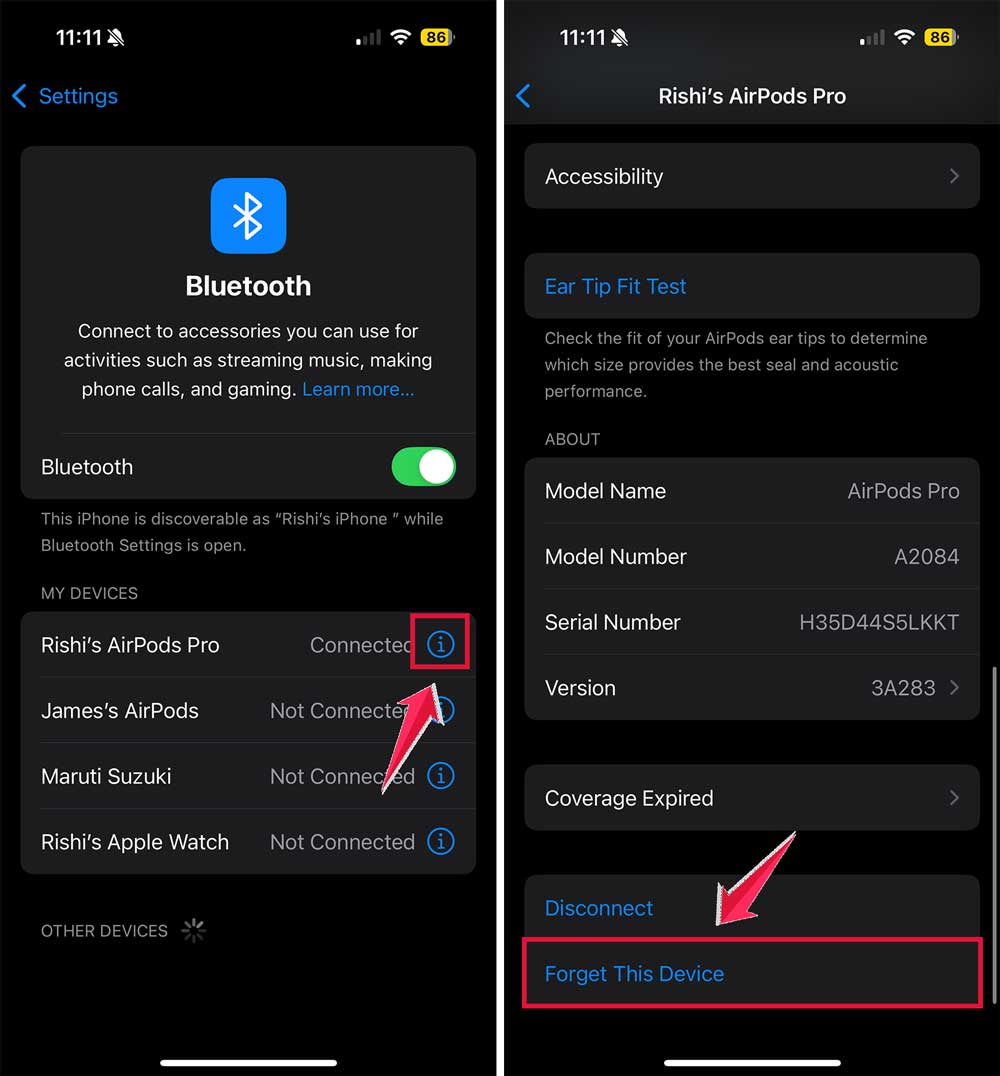
- Open your device’s Bluetooth settings and select “Forget This Device” for your AirPods.
- Open the AirPods case lid.
- Press and hold the setup button on the back of the case for about 15 seconds until the status light flashes amber, then white.
- Reconnect your AirPods to your device.

6. Check for interference
Move to a different location to see if the beeping stops. Other electronic devices or Wi-Fi routers could be causing interference.
7. Adjust audio settings
Check your device’s audio settings. Make sure the balance is centered and any sound effects or EQ settings aren’t causing issues.
8. Test with another device
If possible, try connecting your AirPods to a different phone or computer. This can help determine if the problem is with your AirPods or your original device.
9. Contact Apple Support
If none of these solutions work, it’s time to get professional help. Contact Apple Support or visit an Apple Store. They can diagnose hardware issues and offer repairs or replacements if needed.

10. Consider replacement
If your AirPods are old or the repair cost is high, it might be time to invest in a new pair. Technology improves over time, so new AirPods might offer better features and performance.
The takeaway
Beeping AirPods can be a real nuisance, but it’s usually not a serious problem. Most of the time, it’s your AirPods trying to tell you something important, like their battery is low or they’re having trouble connecting to your device.
The good news is that you can often fix this issue yourself. Simple steps like charging your AirPods, cleaning them gently, or resetting their connection can often solve the problem.
Remember, updating your devices and checking for interference from other electronics can also help.
Don’t worry if you’ve tried everything and your AirPods are still beeping. It doesn’t necessarily mean they’re broken beyond repair. Sometimes, they just need a professional touch. Apple Support is there to help if you need it.
The most important thing to remember is that your AirPods are designed to work smoothly. If they’re beeping, it’s not to annoy you, but to alert you to an issue that needs your attention.
By addressing these alerts promptly, you can keep your AirPods in top shape and enjoy uninterrupted listening for a long time to come.
We’d love to hear about your experience with AirPods. Have you ever dealt with beeping? How did you fix it? Share your story in the comments below.